Kling Blog
Stay updated with Kling 3.0 features, creator tips, and AI video trends
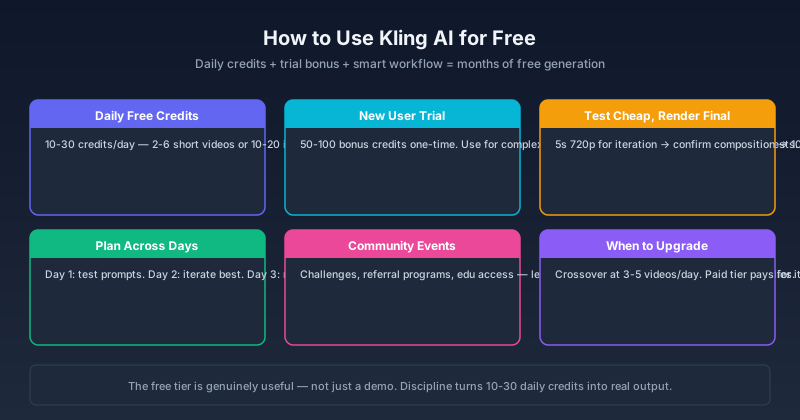
How to Use Kling AI for Free in 2026: Credits, Methods & What Actually Works
A practical guide to using Kling AI for free — daily credits, free trial strategies, community methods, and the real limits. Covers Kling 3.0, free credit resets, and how to maximize free access across Kling V3 and O3.

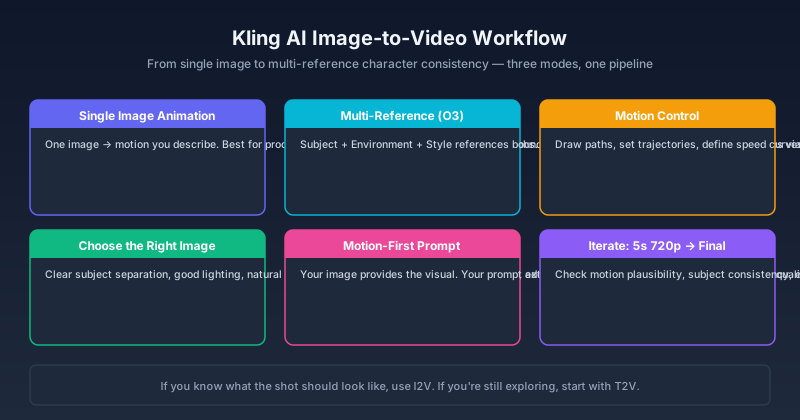
Kling AI Image to Video: Complete Workflow Guide for 2026
Master Kling AI image-to-video generation — from single-image animation and multi-reference workflows to motion control, character consistency, and output optimization. Step-by-step guide with real examples.

Kling 3.0 Motion Control Guide: How to Use Curve Dolly, Camera Shake & Multi-Elements
A complete guide to Kling 3.0 Motion Control — how each mode works (Curve Dolly Camera Path, Camera Shake, Multi-Elements), settings for reliable results, duration limits, generation time estimates, and solutions to common problems.
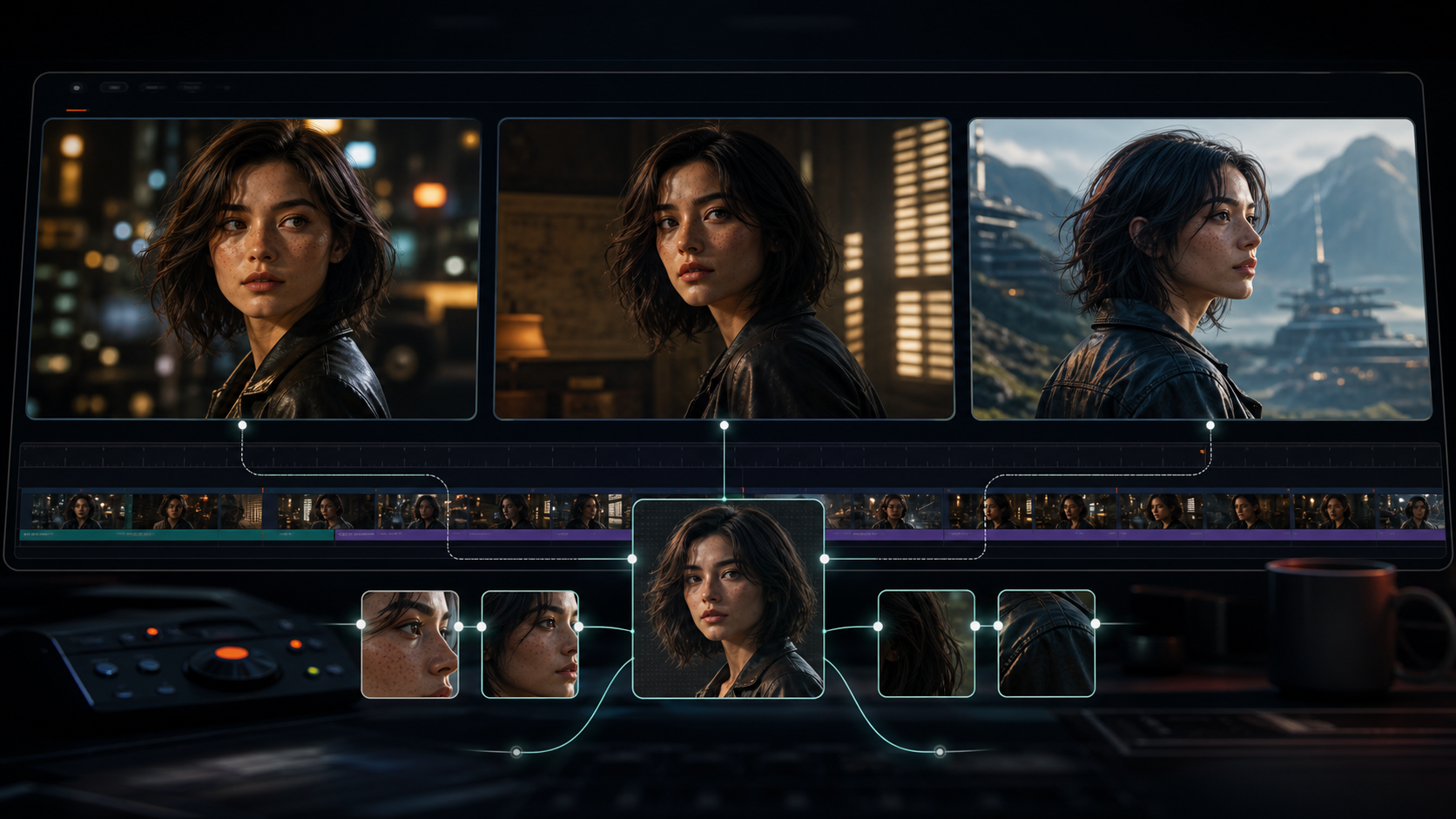
Kling 3.0 Character Consistency: Complete Guide to Keeping Characters the Same Across Shots
Complete guide to Kling 3.0 character consistency — reference-driven character binding in O3, reference image best practices, multi-shot workflow, and fixes for common character drift.
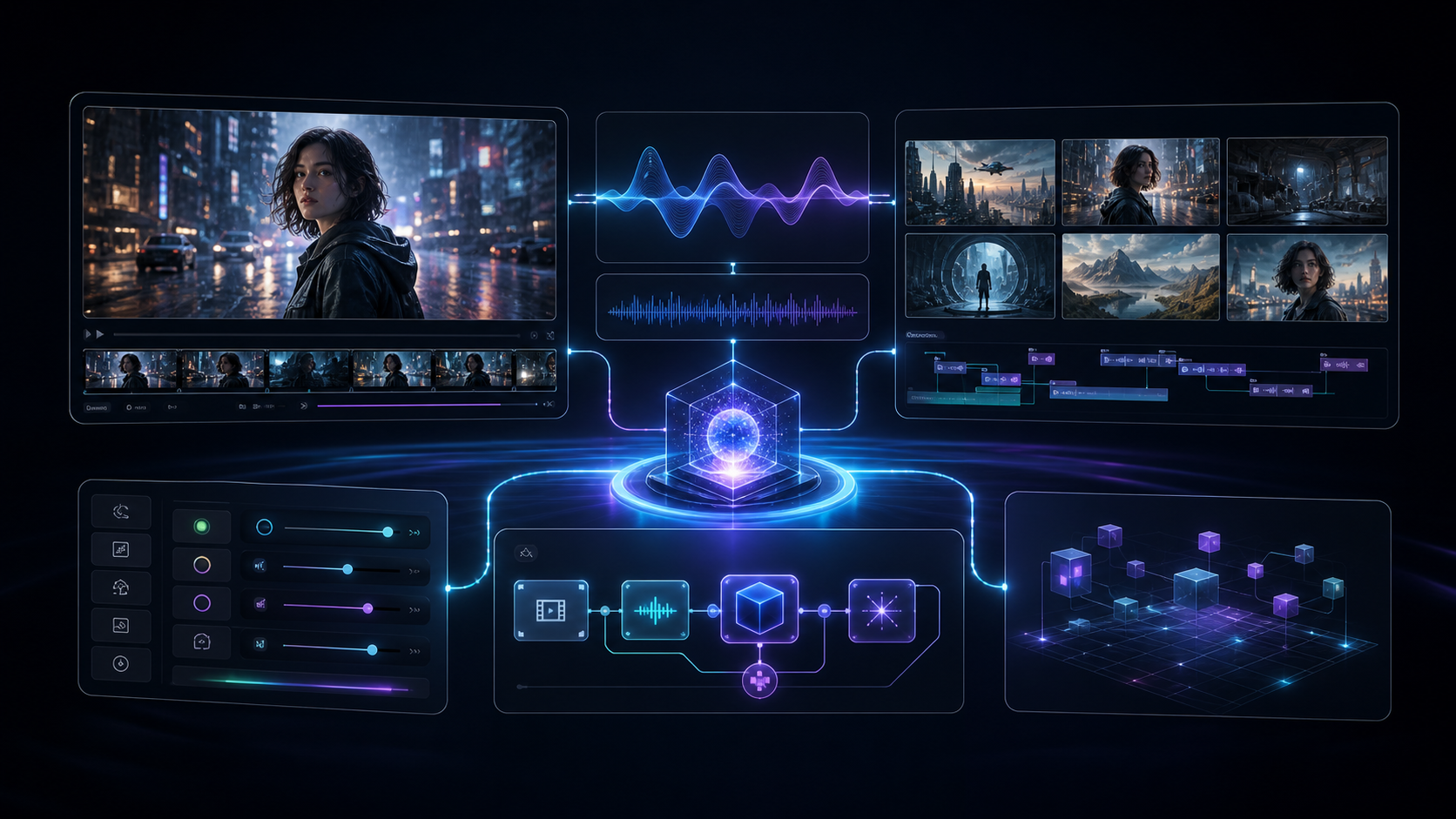
Kling 3.0 Omni: Complete Guide to Native Audio, Multi-Shot, and Omni Edit
A complete guide to Kling 3.0 Omni: what makes it different from standard Kling 3.0, native audio quality, multi-shot storyboarding, Omni Edit, credit costs, and when to use which version.
Kling 3.0 vs Veo 3.1: Which AI Video Generator Wins in 2026?
A head-to-head comparison of Kling 3.0 and Google Veo 3.1: video quality, native audio, motion physics, multi-shot, pricing, and which tool fits your specific workflow.