Where Is the Kling AI Official Site? Real URL, How to Verify It & Get Started (2026)
Looking for the Kling AI official site? Find the correct URL, verify it is not a fake, see what Kling 3.0 offers, and learn how to use Kling AI for free in 2026.
You heard about Kling AI — the AI video generator everyone is talking about. The one that can turn text into cinematic clips, keep characters looking the same across different shots, and generate lip-synced audio alongside video. You open Google, search for Kling AI, and the results show multiple websites. Which one is the real official site? How do you know you are not signing up for a reseller, a copycat platform, or a phishing page?
This confusion is common. Kuaishou's Kling AI has grown rapidly since its 2024 launch, and with popularity comes impersonation. Some sites claim to offer Kling AI access but charge inflated prices for an inferior experience or, in the worst cases, steal login credentials.
By the end of this guide, you will know exactly how to identify the real Kling AI site, what Kling 3.0 actually offers, and how to start using it — including its free tier — in under 10 minutes. We have tracked Kling AI since its 2024 beta, tested every major update through the Kling 3.0 launch in early 2026, and verified the official domain against Kuaishou's corporate records and direct platform access. Everything in this guide comes from that hands-on experience.
The Official Kling AI Website
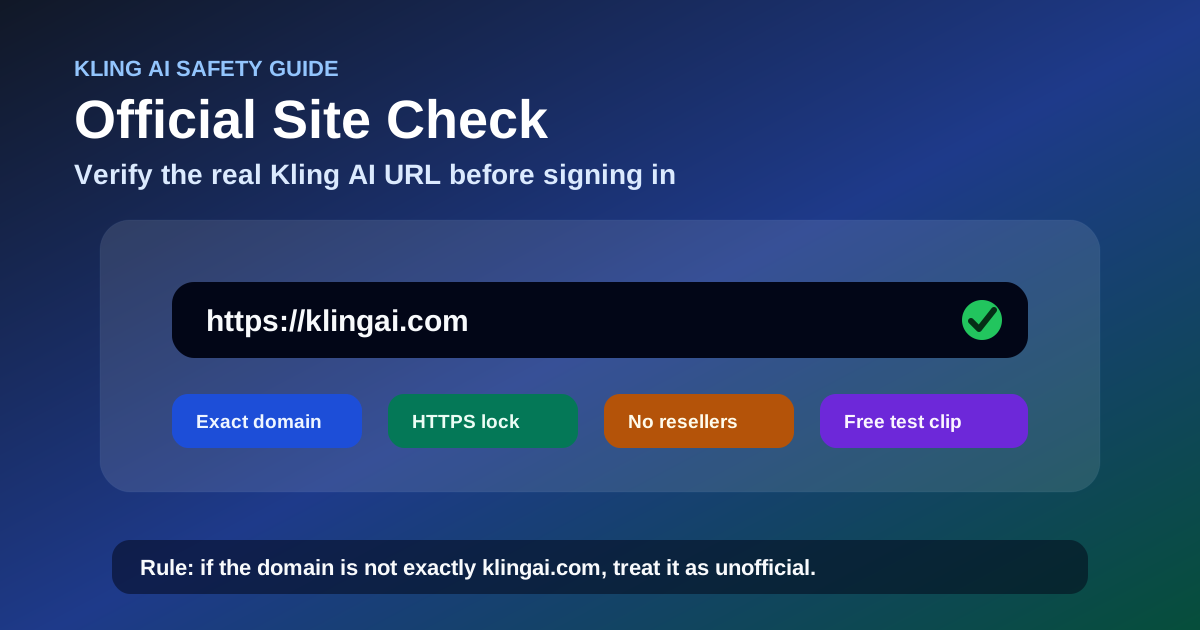
The official Kling AI website is https://klingai.com/.
That is the only domain operated by Kuaishou Technology for the Kling AI platform. If you are on any other domain — kling-ai.com, klingai.net, klingai.co, kling-ai-video.com, or any variation — you are not on the official site.
The official site offers the full platform in 11+ languages: English, Chinese, Japanese, Korean, Spanish, French, German, Portuguese, Italian, Dutch, and more. You register, log in, generate Kling AI video content, manage your account, and access every Kling AI feature — Kling V3, Kling O3, image generation, and native audio — from this single URL.
Official Subdomains and Channels
Beyond klingai.com, Kuaishou operates these additional official channels:
| Channel | Purpose | How to Verify |
|---|---|---|
| Kling AI Discord | Main community hub for announcements, showcases, and support | Linked from the official site footer |
| Kuaishou corporate site (kuaishou.com) | Parent company information | Not the Kling AI product site |
| API documentation subdomain | Developer docs for API integration | Linked from klingai.com |
If a "Kling AI" community or channel is not linked from klingai.com, treat it as unofficial.
How to Verify You Are on the Real Kling AI Site
If you are unsure whether a site is the real Kling AI, check these five signals before entering any credentials:
| Signal | What to Look For |
|---|---|
| Domain | Exactly klingai.com — no hyphens, no extra words, no alternative TLDs |
| SSL Certificate | Valid HTTPS with a padlock icon in your browser's address bar |
| Content Quality | Professional translations in 11+ languages, clear documentation, up-to-date pricing that matches Kling 3.0's actual credit system |
| Social Links | Discord, Twitter/X, and YouTube accounts all reference klingai.com as the official domain |
| Legal Pages | Terms of Service and Privacy Policy that name Kuaishou Technology Co., Ltd. as the operator |
Rule of Thumb: If the URL is not exactly klingai.com, assume it is not the official site. Most impersonation sites rely on close visual resemblance paired with a slightly different domain name.
Common Unofficial Kling AI Sites
Several third-party sites appear in search results that are not the official platform:
- Reseller platforms — These offer Kling AI credits at a markup. Some are legitimate affiliates, but you will always get better pricing and more reliable access directly at klingai.com. The official site's free daily credits do not exist on reseller platforms.
- Unofficial mirrors — Sites that proxy the Kling AI interface often run outdated model versions, have lower generation limits, or lack access to newer features like Kling 3.0's multi-shot storytelling.
- Informational pages — Blog posts and review sites (including this one) that rank for Kling AI keywords but do not provide the actual tool. We provide guides; the tool is at klingai.com.
If a site asks for payment or login credentials and does not have the domain klingai.com, proceed with extreme caution.
What You Get on the Official Kling AI Site
Once you reach klingai.com, the platform offers access to Kling 3.0 — the latest major version of the AI video generator, launched in early 2026.
Kling 3.0: The Latest Generation
Kling 3.0 is built on Kuaishou's Omni One architecture — a single multimodal model that processes text, images, video, and audio together rather than routing between separate models. This unified approach produces significantly better motion physics, cinematography control, and scene consistency than earlier versions.
The platform ships in two modes:
- Kling V3 — The core video generation model optimized for high-quality text-to-video and image-to-video output. Best for most users starting out.
- Kling O3 (Omni) — The precision-control variant adding reference-driven workflows, end frame control, advanced subject binding, and structured scene composition.
What Is Kling AI Capable Of?
If you are new and asking "what is Kling AI", here is a quick summary of what the platform can do:
| Feature | Description | Availability |
|---|---|---|
| Text-to-Video | Generate video clips from text descriptions | Free + paid tiers |
| Image-to-Video | Animate still images into moving clips | Free + paid tiers |
| Native Audio | Lip-sync dialogue, sound effects, background music generated alongside video | Kling 3.0 |
| Multi-Shot Storytelling | Create connected scenes up to 15 seconds with consistent characters and lighting | Kling 3.0 |
| Character Consistency (Elements) | Upload reference photos to keep the same character across different scenes | Kling 3.0 |
| AI Director | Control camera angles, motion, and shot transitions via text | Kling 3.0 |
| AI Image Generation | Generate static images using the same multimodal model | Free + paid tiers |
| API Access | Integrate video generation into applications | Developer plan |
Kling AI Free Credits: How to Use Kling AI for Free
One of the most common questions — how to use Kling AI for free — has a direct answer: the official platform provides daily free credits that refresh every 24 hours.
As of June 2026:
- New users receive a welcome bonus of trial credits upon registration at klingai.com
- Returning users get a daily free allocation that covers approximately 2–6 video generations per day, depending on selected resolution and duration
- Free credits apply to Kling V3 — the standard generation mode. Kling O3 and higher-resolution outputs consume more credits per generation
Rule of Thumb: To maximize your daily free allowance, start with 3-second 720p clips using Kling V3. This combination consumes roughly 70% fewer credits than a 15-second 1080p clip with O3 — giving you 3–4x more generations per day to test and learn the platform.
To get Kling AI for free without paying:
- Go to klingai.com (the only official URL)
- Click "Sign Up" — registration requires an email or Google/Apple account
- Claim your welcome bonus trial credits
- Use the daily free credits for short clips (3–5 seconds at standard resolution)
- The free tier is enough to evaluate whether the platform meets your needs before committing to a paid plan
Is There a Kling AI App?
Kuaishou primarily offers Kling AI through its web platform at klingai.com. There is no official Kling AI mobile app on the Apple App Store or Google Play as of June 2026. The web platform is fully responsive on mobile browsers, so you can generate and view videos from your phone without installing anything.
If you see a "Kling AI" app in any app store, verify the developer's listed website links to klingai.com before downloading.
How to Use Kling AI: Getting Started Guide
If you need how to use Kling AI instructions beyond just finding the site, here is the complete workflow:
- Go to klingai.com — confirmed as the official site
- Click "Sign Up" or "Log In" in the top-right corner
- Create an account using email or Google/Apple single sign-on
- Claim your free trial credits — available immediately after registration
- Choose your generation mode: Text-to-Video, Image-to-Video, or Image Generation
- Write your prompt — describe the scene, camera movement, and mood in plain English
- Select settings: duration (3–15 seconds), resolution, and model variant (V3 or O3)
- Generate and review — each generation takes 30 seconds to a few minutes depending on complexity
The interface is available in English by default. You can switch languages from the settings menu.
How to Use Kling AI for Free: Maximizing Your Daily Credits
To use Kling AI for free efficiently and stretch your daily allocation as far as possible:
| Strategy | How It Works | Credits Saved |
|---|---|---|
| Start with short clips | 3-second clips consume fewer credits than 10–15 second ones | ~40% per clip |
| Use standard resolution | 720p uses fewer credits than 1080p or 4K | ~30% per clip |
| Batch generations | Plan multiple prompts before starting so you do not waste credits on test outputs | Varies |
| Use Kling V3 instead of O3 | V3 is more credit-efficient for standard text-to-video | ~50% per clip |
Frequently Asked Questions
What is the official Kling AI URL?
The official Kling AI website is https://klingai.com/. This is the only domain operated by Kuaishou Technology for the Kling AI platform.
Where is Kling AI based?
Kling AI is developed by Kuaishou Technology, headquartered in Beijing, China. The platform is available globally from klingai.com.
Is Kling AI free?
Yes, Kling AI offers daily free credits that refresh every 24 hours. New users also receive a welcome bonus of trial credits upon registration at klingai.com.
Can I use Kling AI from the United States?
Yes. Kling AI is accessible from the United States and most countries worldwide through klingai.com. No VPN or special access is needed.
What is Kling 3.0?
Kling 3.0 is the latest major version of the Kling AI video generator, featuring unified multimodal architecture (Omni One), multi-shot storytelling, native audio, character consistency, and AI Director controls. It launched in early 2026.
What is the difference between Kling V3 and Kling O3?
Kling V3 is the standard video generation model optimized for high-quality text-to-video output. Kling O3 (Omni) adds precision controls like end frame setting, reference-driven composition, and advanced subject binding for users who need fine-grained control.
Does Kling AI have a mobile app?
As of June 2026, Kuaishou has not released an official Kling AI mobile app. The web platform at klingai.com is fully responsive and works on mobile browsers.
Do I need to download software to use Kling AI?
No. Kling AI is entirely web-based. You only need a modern browser to access klingai.com and start generating.
What languages does the Kling AI site support?
The official site supports English, Chinese, Japanese, Korean, Spanish, French, German, Portuguese, Italian, Dutch, and more languages. The interface language can be switched from the settings menu.
Does Kling AI offer API access?
Yes. Kling AI provides API access for developers who want to integrate AI video generation into their own applications. API documentation is linked from klingai.com.
Troubleshooting: Common Access and Usage Issues
Can't Access klingai.com
Kling AI is accessible globally from most countries without a VPN. If the site does not load:
- Check your internet connection first — this is the most common cause
- Some corporate, school, or public Wi-Fi networks block AI content platforms. Try switching to a personal network or mobile hotspot
- If you still cannot connect, the official Kling AI Discord (linked from klingai.com's footer) provides the fastest status updates
The Interface Is in a Language I Don't Understand
The official site detects your browser's language and defaults to it if supported. To change the language:
- Look for the language selector in the top navigation bar
- Choose from 11+ supported languages: English, Chinese, Japanese, Korean, Spanish, French, German, Portuguese, Italian, Dutch, and more
- On mobile or small screens, open the settings menu from your account icon — the language option is inside
If the interface appeared in a language you do not read when you first landed, do not worry — all core functions (Sign Up, Log In, Generate) use the same icons and layout regardless of language. You can change the setting without needing to navigate by text alone.
My Free Credits Are Not Showing Up
After registration at klingai.com, your welcome bonus credits should appear immediately. If they do not:
- Check your email inbox and spam folder for a verification link — some email providers require confirmation before credits activate
- Log out of klingai.com and log back in to refresh your account state
- Verify you are logged into the correct account — if you use Google SSO, make sure you selected the right Google profile
Rule of Thumb: If credits still do not show 10 minutes after a verified registration, clear your browser cache and cookies for klingai.com, then log in again. This resolves most display-related credit issues without needing to contact support.
Video Generation Stalls or Takes Too Long
Generation time depends on three factors: server load (higher during peak hours in Asia), video duration, and resolution. A 3-second 720p clip typically completes in 30–60 seconds under normal load.
If a generation is stuck for more than 5 minutes:
- Cancel the current generation and start a shorter clip (3–5 seconds at 720p)
- Switch from Kling O3 to Kling V3 — O3's precision controls require significantly more processing time
- Check whether your daily free credits are exhausted — the platform queues but does not process generations when credits are depleted
Can't Log In or Account Issues
- Forgot password: Use the "Forgot Password" link on the login page at klingai.com. A reset link is sent to your registered email
- Google/Apple SSO failure: Try the email-based login option instead, or log out of your Google/Apple account in the browser and retry
- Account locked: Multiple failed login attempts may temporarily lock your account. Wait 30 minutes and try again with the correct credentials
If none of these steps resolve the issue, the official Discord (linked from klingai.com's footer) is the fastest way to reach Kuaishou's support team. Do not search for "Kling AI customer support" on Google — only use contact channels linked from the official domain.
Summary
If you searched where is Kling AI official site, the answer is straightforward: klingai.com.
That single URL gives you access to Kling 3.0 — one of the most capable AI video generators available in 2026 — with daily free credits, multi-language support, and no software download required. If you landed on any other domain, you are not on the official platform.
Start by visiting klingai.com, clicking "Sign Up" with your Google account, and running your first 3-second test clip at 720p using Kling V3. It takes less than 5 minutes and costs nothing — and the official site is the only place that gives you the full, up-to-date Kling 3.0 experience.
Author

Categories
More Posts
Siri AI: Everything Apple Announced at WWDC 2026 — Features, Release, Devices & What Changed
What is Siri AI? A complete guide to Apple's revamped assistant announced at WWDC 2026 — conversational experience, personal context, onscreen awareness, App Intents, release timeline, compatible devices, language support, privacy, and how it compares to ChatGPT and Gemini.
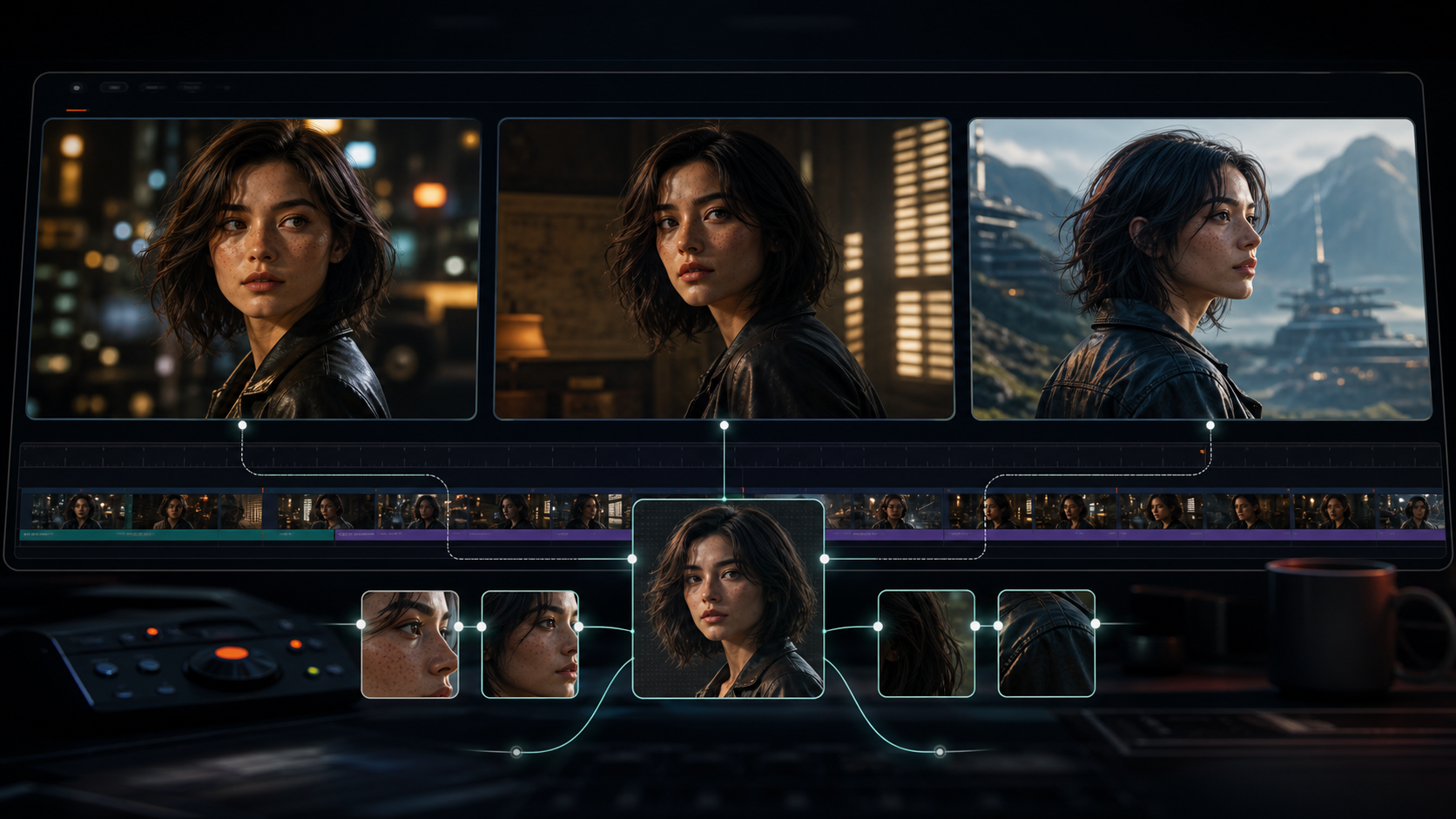
Kling 3.0 Character Consistency: Complete Guide to Keeping Characters the Same Across Shots
Complete guide to Kling 3.0 character consistency — reference-driven character binding in O3, reference image best practices, multi-shot workflow, and fixes for common character drift.
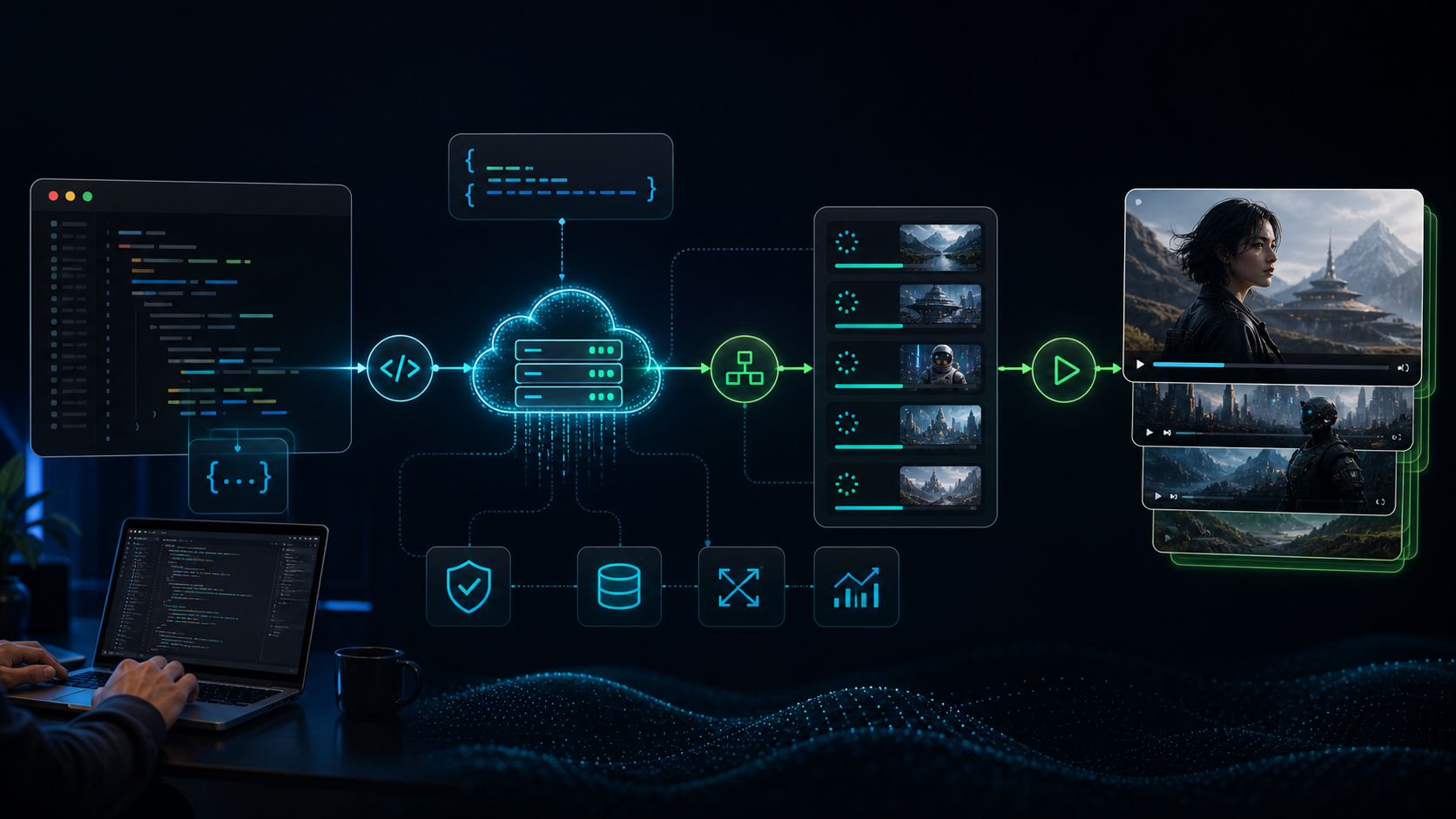
Kling AI API Guide: Pricing, Setup, and Integration (2026)
Everything you need to integrate Kling AI's API: how to get an API key, pricing per model, code examples for video generation, and a comparison of official vs third-party providers.
Newsletter
Join the community
Subscribe to our newsletter for the latest news and updates