Kling 3.0 Pricing Guide: Credits, Plans, and Cost Per Video
See what Kling 3.0 really costs on kling3.pro. Compare free access, monthly plans, one-time credit packs, and the exact credit cost for 720p, 1080p, audio, multi-shot, Motion Control, and Avatar workflows.

Want to stop guessing your video budget? Start with credits per second.
On kling3.pro, Kling pricing is clear once you break it into three questions: which model you use, how long the clip is, and whether you turn audio on. That makes it much easier to choose a plan that fits your workflow.

The Short Answer
If you use Kling 3.0 on kling3.pro, the platform charges by credit. Your cost scales with duration, resolution, and audio.
| Kling 3.0 workflow | Credit cost |
|---|---|
| 720p without audio | 6 credits per second |
| 720p with audio | 9 credits per second |
| 1080p without audio | 8 credits per second |
| 1080p with audio | 12 credits per second |
That means a single clip costs:
| Output | Credits |
|---|---|
| 5s, 720p, no audio | 30 |
| 5s, 720p, with audio | 45 |
| 10s, 720p, no audio | 60 |
| 10s, 720p, with audio | 90 |
| 15s, 1080p, no audio | 120 |
| 15s, 1080p, with audio | 180 |
If you use multi-shot in the Kling 3.0 generator, budget it at the audio-on rate. On kling3.pro, multi-shot text-to-video runs with audio enabled, so the full sequence cost is based on total seconds.
What You Can Try for Free
You do not need to buy first just to see how the workflow feels.
Guests start with 10 free credits. New accounts get 10 sign-up credits. Free users can use Kling 3 Lite (480p, 5s) before moving into paid Kling 3.0, Kling 2.6, Motion Control, and audio-enabled generation.
That makes the free tier useful for one thing: quick prompt testing. It is enough to check whether your shot idea works before you spend credits on higher-quality runs.
Monthly Plans on kling3.pro
If you want predictable spend, the monthly plans are simple:
| Plan | Price | Credits |
|---|---|---|
| Starter | $7.99/month | 360 |
| Pro | $25.90/month | 1,320 |
| Premium | $59.90/month | 3,600 |
Here is what those credits mean in practice for Kling 3.0:
| Plan | 5s 720p no audio | 5s 720p with audio | 10s 720p with audio | 15s 1080p with audio |
|---|---|---|---|---|
| Starter 360 | 12 clips | 8 clips | 4 clips | 2 clips |
| Pro 1,320 | 44 clips | 29 clips | 14 clips | 7 clips |
| Premium 3,600 | 120 clips | 80 clips | 40 clips | 20 clips |
If you mostly test short ideas, Starter is enough.
If you publish every week, use audio often, or render client work, Pro is the safer default.
If you produce in volume, iterate in batches, or keep 1080p as your normal setting, Premium gives you real room to work.
One-Time Credit Packs
If your workload spikes, buy credits once instead of upgrading a subscription you do not need year-round.
| Credit pack | Price | Credits |
|---|---|---|
| Credit Starter | $19.90 | 800 |
| Credit Basic | $39.90 | 1,800 |
| Credit Pro | $69.90 | 3,600 |
| Credit Max | $99.90 | 5,600 |
| Credit Super | $169.90 | 10,500 |
| Credit Premium | $399.90 | 28,000 |
This is the right move when you have a launch week, a client batch, or a short campaign sprint.
Motion Control and Avatar Pricing
Kling3.pro also exposes other paid Kling workflows, and they do not all cost the same.
Kling 3.0 Motion Control
| Workflow | Credit cost |
|---|---|
| Motion Control 720p | 9 credits per second |
| Motion Control 1080p | 12 credits per second |
A 10-second Motion Control run costs 90 credits at 720p or 120 credits at 1080p.
Kling Avatar
| Workflow | Credit cost |
|---|---|
| Avatar Standard, up to 15s, 720p | 4 credits |
| Avatar Pro, up to 15s, 1080p | 7 credits |
If you need talking-head or lip-sync style content, Avatar is one of the cheapest paid workflows on the site.
When Kling 2.6 Is the Better Buy
Paid users also unlock Kling 2.6. That matters if you want a cheaper fallback for short tests.
| Kling 2.6 workflow | Credits |
|---|---|
| 5s text-to-video or image-to-video, no audio | 24 |
| 5s text-to-video or image-to-video, with audio | 48 |
| 10s text-to-video or image-to-video, no audio | 48 |
| 10s text-to-video or image-to-video, with audio | 97 |
That creates a useful split:
- Use Kling 3.0 when you want better control, longer runs, 1080p output, multi-shot, or a cleaner production workflow.
- Use Kling 2.6 when you want a lower-cost test pass for short clips.
How to Spend Fewer Credits Without Slowing Down
You do not need to cheap out. You need to sequence your runs better.
Start with 5 seconds. Fix the motion first. Then extend.
Start with 720p. Move to 1080p only after the shot works.
Keep audio off during early testing if the scene depends more on framing than dialogue. Turn it on for the final pass.
Use image-to-video when character or product consistency matters. It usually reduces the number of retries because the first frame is already locked.
Use multi-shot only after each beat is clear. The feature is powerful, but unclear shot logic burns credits fast.
Which Plan Should You Choose?
Pick Starter if you are learning Kling, testing prompts, or making short social clips.
Pick Pro if you ship every week, use native audio often, or need enough credits for repeated revisions.
Pick Premium or a large credit pack if you handle client delivery, batch output, or frequent 1080p renders.
If you want the fastest way to decide, open the generator, price your most common clip length, and then buy the plan that covers at least one full week of output.
See the live plans on the pricing page, then test your first run in the generator.
More Posts
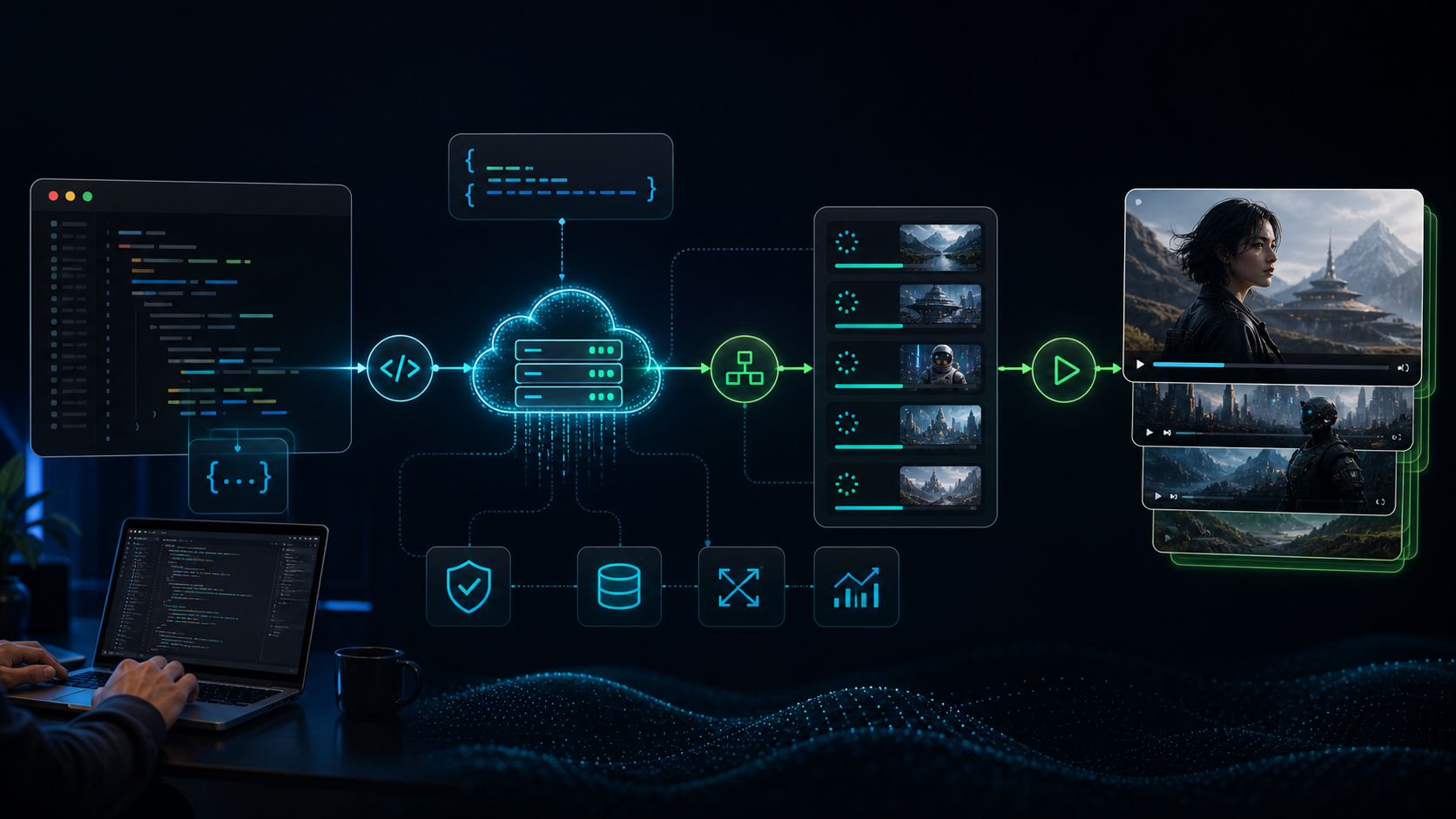
Kling AI API Guide: Pricing, Setup, and Integration (2026)
Everything you need to integrate Kling AI's API: how to get an API key, pricing per model, code examples for video generation, and a comparison of official vs third-party providers.

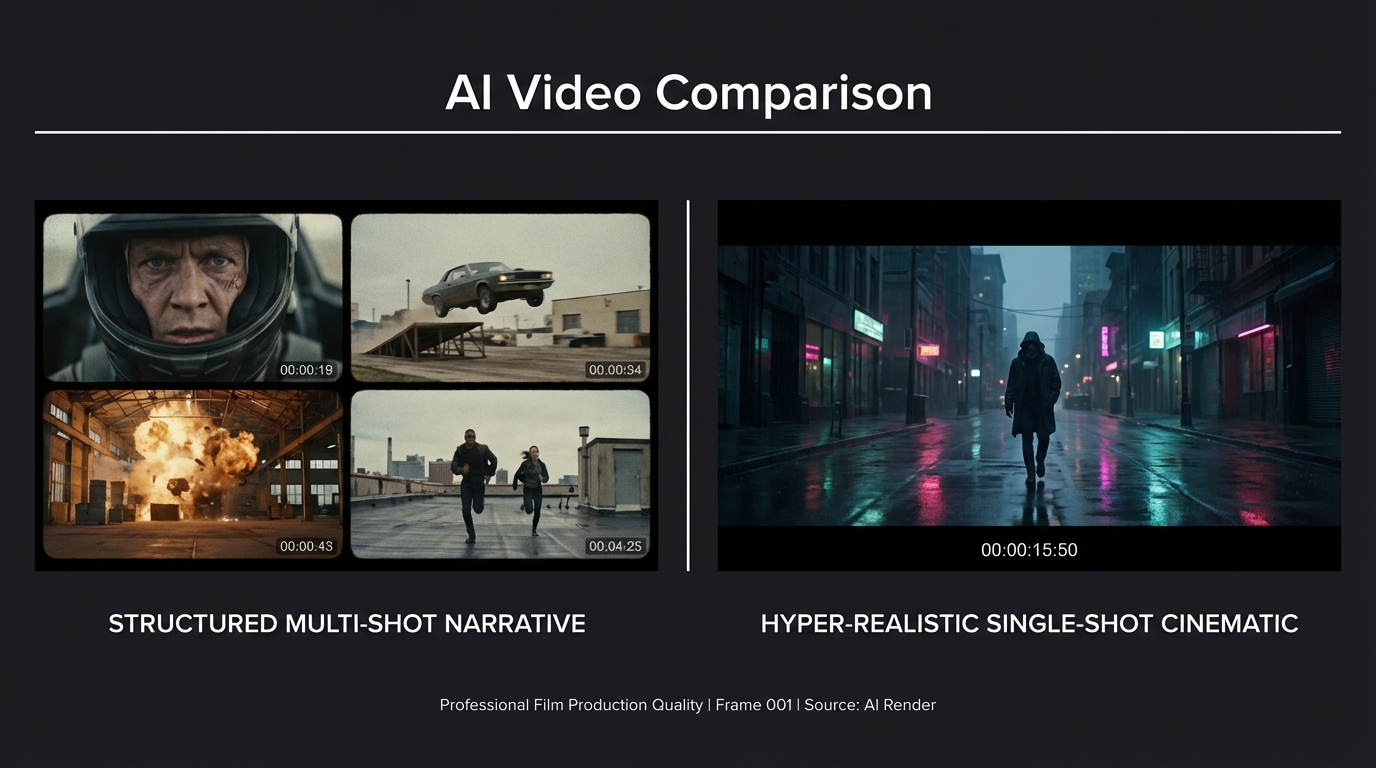
Kling 3.0 vs Seedance 2.0: Which AI Video Model Wins in 2026?
A direct comparison of Kling 3.0 and Seedance 2.0 across video quality, multi-shot control, character consistency, audio, pricing, and use cases — with real community test results.

Kling Motion Control 3.0 vs 2.6: What Changed, What It Costs, and Which One to Use
Compare Kling Motion Control 3.0 and 2.6 on kling3.pro. See what changed in facial consistency, hand precision, pricing, and the best upgrade path for creators.
Newsletter
Join the community
Subscribe to our newsletter for the latest news and updates