Kling 3 Lite Guide: Free Trial Limits, Credits, and When to Upgrade
See how Kling 3 Lite works on kling3.pro. Learn the free trial limits, guest and sign-up credits, the 5s 480p cap, and the cheapest path to Kling 3.0.

Want to test Kling before you pay? Start with Lite.
On kling3.pro, Kling 3 Lite is the fastest way to validate a prompt. Guests get 10 free credits. New accounts get 10 more sign-up credits. One 5-second 480p Lite text-to-video run costs 10 credits, so you can test once as a guest and once more after you sign up.
The Short Answer
If you want a Kling free trial, this is how it works on kling3.pro:
| Access | Credits | What that covers |
|---|---|---|
| Guest session | 10 | 1 Lite clip at 5s / 480p |
| New account bonus | 10 | 1 more Lite clip at 5s / 480p |
| Total first-time test budget | 20 | 2 Lite clips |
Kling 3 Lite is the free entry model on the site. It is built for quick prompt testing, not full production.
If you need image-to-video, native audio, multi-shot, Motion Control, 720p, or 1080p, move up to Kling 3.0 or another paid workflow.
What Kling 3 Lite Actually Is
On kling3.pro, Kling 3 Lite is the lightweight text-to-video path exposed to free users.
It does one job well. It tells you whether the idea is worth more credits.
That makes Lite useful for:
- testing a concept fast
- checking subject, mood, and framing
- validating the first draft of a hook
It is not the right tool for:
- reference-image workflows
- audio-led clips
- 15-second story sequences
- reference-video-driven motion transfer
- final delivery work
What the Free Trial Includes
The free trial is intentionally narrow. That is a good thing when your goal is speed.
What you get
- text-to-video
- 5-second generation
- 480p output
- 10 guest credits
- 10 extra credits after sign-up
What you do not get for free
- image-to-video
- native audio
- multi-shot 15-second generation
- Kling 3.0 Motion Control
- 720p or 1080p paid quality modes
If your workflow depends on any of those, use Lite as the test lane and upgrade once the direction is clear.
Kling 3 Lite vs Kling 3.0
| Feature | Kling 3 Lite | Kling 3.0 on kling3.pro |
|---|---|---|
| Best use | Prompt testing | Real production runs |
| Input | Text-to-video | Text-to-video and image-to-video |
| Free access | Yes | No |
| Default free cap | 5s / 480p | N/A |
| Audio | No | Yes |
| Multi-shot | No | Yes, up to 15s |
| Motion Control | No | Yes, as a separate paid workflow |
| Resolution options | Free entry capped at 480p | 720p and 1080p |
| Reference workflows | No | Yes |
The split is simple.
Use Lite to learn fast. Use Kling 3.0 when the shot matters.
How Much Lite Costs After the Free Test
If you stay on the Lite-style workflow after the free test, the model still scales by credits:
| Output | Credits |
|---|---|
| 5s / 480p | 10 |
| 10s / 480p | 20 |
| 5s / 720p | 22 |
| 10s / 720p | 42 |
| 5s / 1080p | 50 |
| 10s / 1080p | 100 |
That means the free trial answers one important question: does this prompt deserve more budget?
It is not enough for batch output. It is enough to stop you from wasting credits on a weak concept.
The Cheapest Upgrade Path
If the test works, the next move is usually not a huge plan. It is the cheapest paid option that unlocks better control.
Start with Starter at $7.99/month for 360 credits if you want a low-risk step up.
Choose a one-time credit pack from $19.90 for 800 credits if you do not want a subscription.
Move straight to paid Kling 3 workflows when you need:
- image-to-video for better visual consistency
- native audio for dialogue or sound-led scenes
- multi-shot for 15-second sequences
- Motion Control for reference-video-driven movement
- 720p or 1080p as your normal output target
If price is your main concern, read the full Kling 3.0 pricing guide first.
When Lite Is Enough
Stay on Lite when you are still answering basic creative questions.
Does this scene work?
Is this prompt specific enough?
Is the subject and mood close to what you want?
That is where Lite helps. You kill weak ideas early.
When You Should Upgrade Immediately
Skip Lite and go paid right away if you already know the scene direction and need better control.
That usually means:
- product demos
- creator ads
- talking-head or audio-led clips
- reference-image video generation
- polished social content
- story-based edits with multiple beats
In that case, open the generator and switch to the model that matches the job.
FAQ
Is Kling 3 Lite the same as Kling 3.0?
No. Lite is the low-cost entry point. Kling 3.0 is the higher-control paid model for audio, multi-shot, image-to-video, and stronger production workflows.
Is there a real Kling free trial on kling3.pro?
Yes. Guests get 10 credits, and new accounts get 10 more. At the free cap, that is enough for two 5-second 480p Lite tests.
Can I use image-to-video for free?
No. If you want image-to-video, switch to a paid model after you validate the idea.
What should I do after the free test?
If the clip works, move to pricing and pick the cheapest option that covers your normal workflow. Then use the Kling 3.0 prompt guide to tighten the next run.
Start free in Kling 3 Lite on the generator. Upgrade when the idea is worth it.
Author
Categories
More Posts
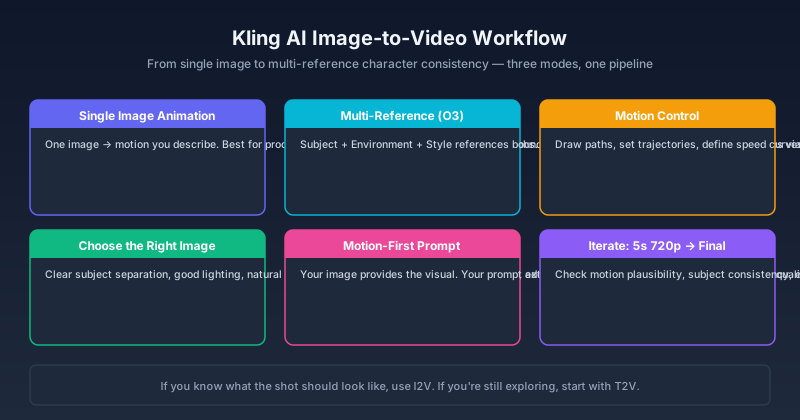
Kling AI Image to Video: Complete Workflow Guide for 2026
Master Kling AI image-to-video generation — from single-image animation and multi-reference workflows to motion control, character consistency, and output optimization. Step-by-step guide with real examples.

HappyHorse 1.0 Is Live: What It Means for Kling 3.0 Creators
HappyHorse 1.0 has reached the top of the Artificial Analysis video leaderboards. Here is what Kling 3.0 creators should watch, what is verified, and where Kling still fits.
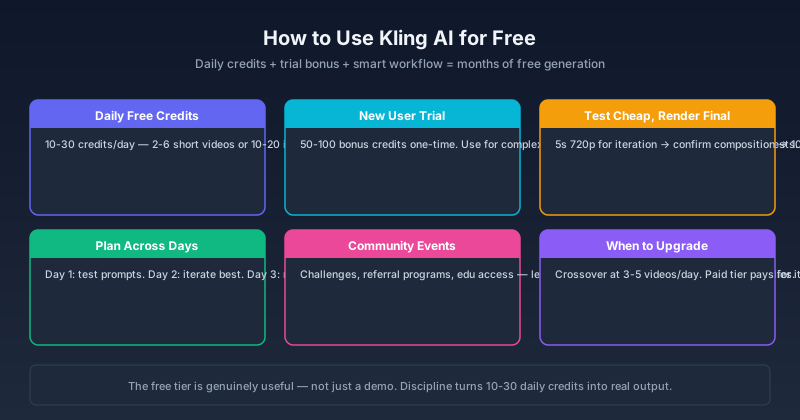
How to Use Kling AI for Free in 2026: Credits, Methods & What Actually Works
A practical guide to using Kling AI for free — daily credits, free trial strategies, community methods, and the real limits. Covers Kling 3.0, free credit resets, and how to maximize free access across Kling V3 and O3.
Newsletter
Join the community
Subscribe to our newsletter for the latest news and updates