Kling 3.0 Prompt Guide: Get Cinematic Results Every Time
How to write prompts for Kling 3.0 — covering T2V, I2V, multi-shot structure, cinematography language, and the mistakes that tank output quality. With real community-tested examples.
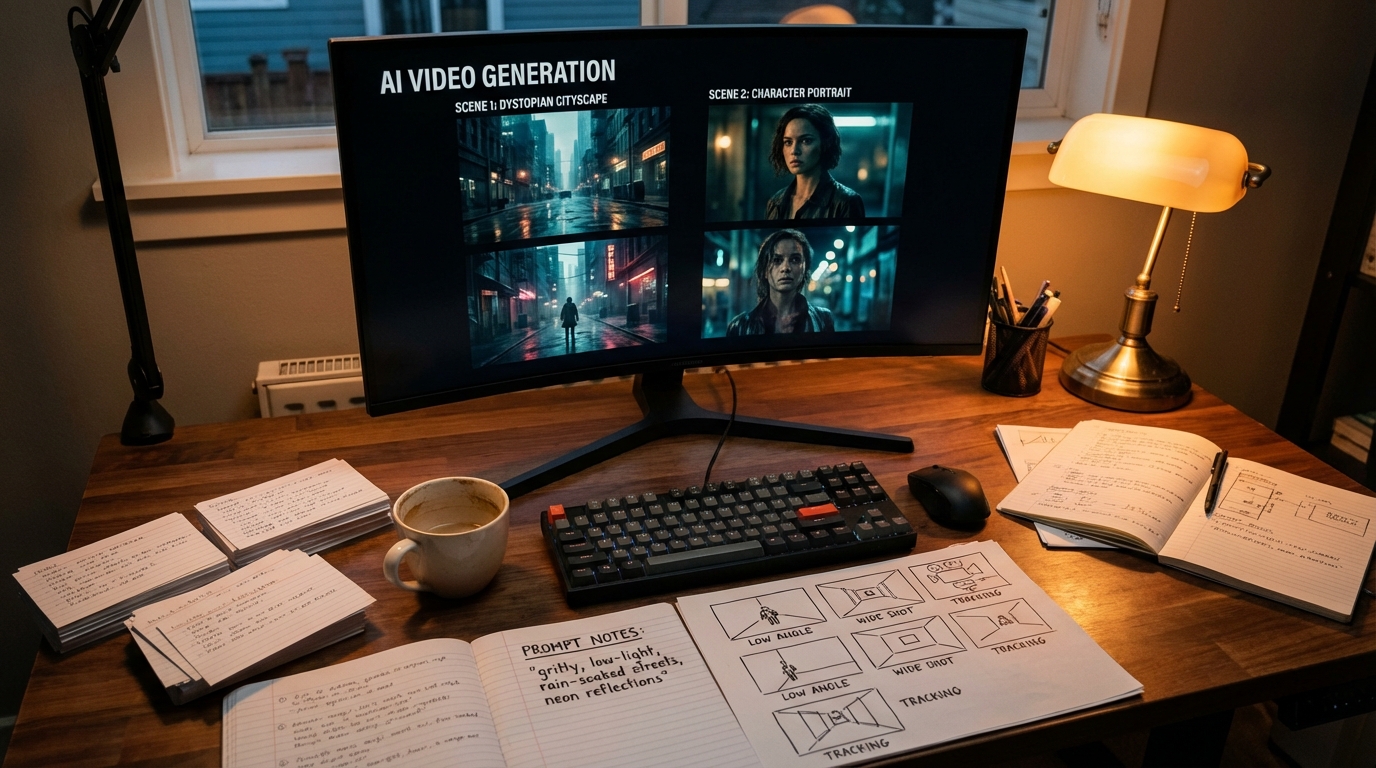
Kling 3.0 is one of the most capable AI video models available — and one of the most prompt-sensitive. The gap between a vague prompt and a structured one is not subtle. It is the difference between a clip that works and one that needs to be regenerated three times.
This guide covers how Kling 3.0 processes prompts, what structure produces reliable results, and real examples from community use.
How Kling 3.0 Reads Your Prompt
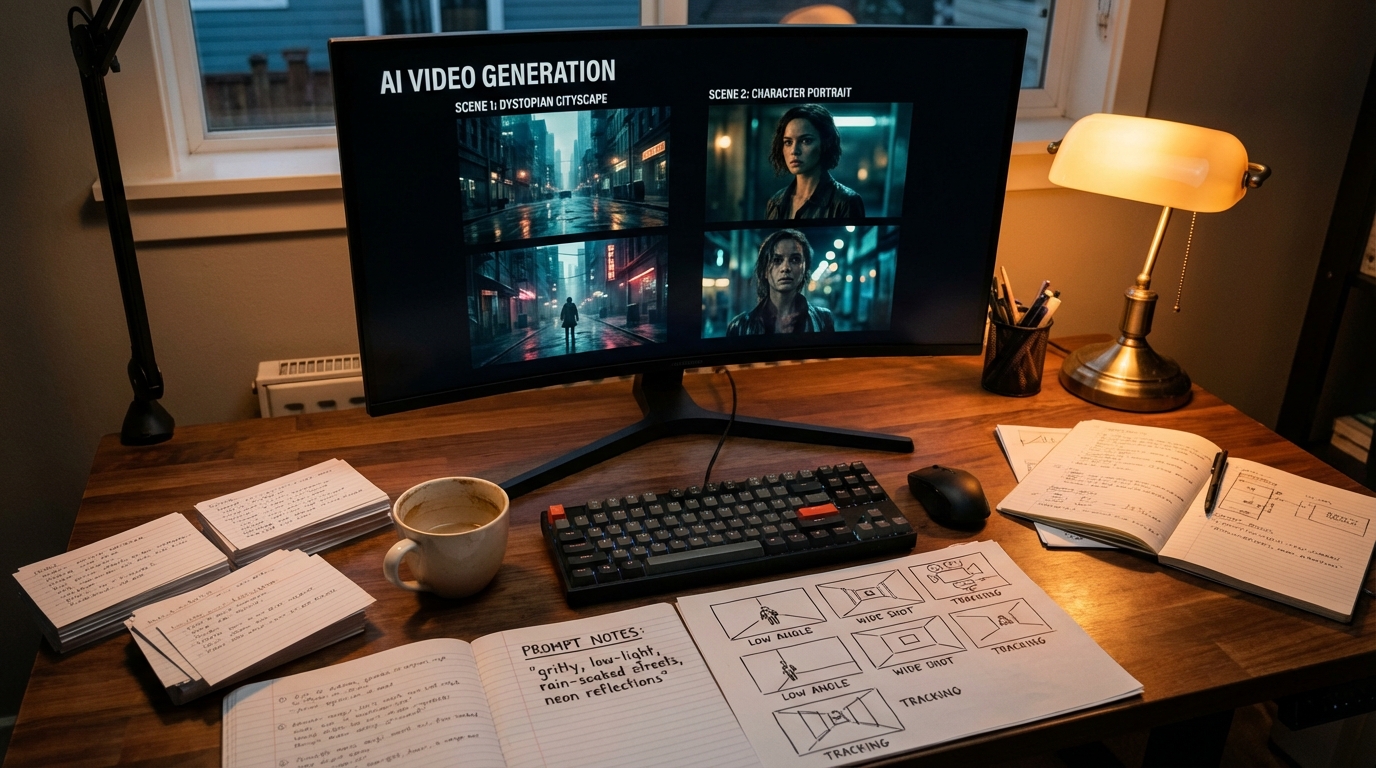
Kling 3.0 was built on a scene-aware architecture. It does not just match visual tokens from your text — it reasons about the scene as a directed space with subjects, spatial relationships, camera position, and temporal movement.
This means your prompt functions like a director's shot note, not a keyword list. The model asks: who or what is in this scene, what is happening, where is the camera, and how does it all move? If your prompt answers those questions, it produces directed output. If it leaves them open, the model fills in the gaps — and you may not like its defaults.
The community captured this well: prompts written for Kling 3.0 tend to cross-work with Seedance 2.0 and vice versa. The underlying prompt logic — structured, scene-level description — is what both models respond to.
The Four-Block Prompt Structure
Every strong Kling 3.0 prompt has four components:
Subject block — who or what, and their specific appearance or state Action block — what is happening, with pacing and quality of motion Camera block — angle, distance, movement type Style block — visual treatment, lighting, aesthetic reference
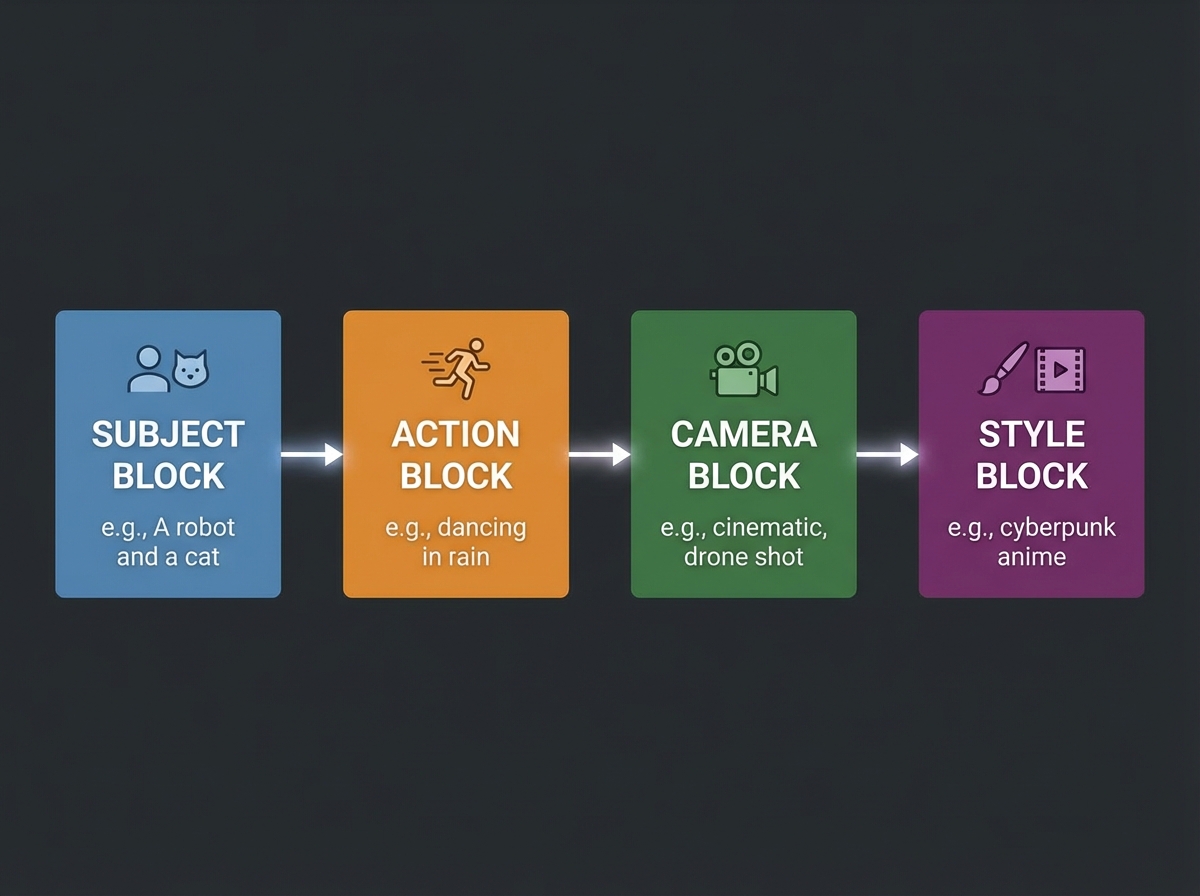
You do not need all four blocks for every generation. But each block you omit is a dimension the model will invent on its own.
Weak: A woman walking in rain
Strong: A young woman in a dark wool coat walks slowly through a rain-slicked city street at night — medium tracking shot following from behind at eye level, neon signs reflected in puddles, shallow depth of field, cinematic color grading, muted tones with warm highlights
The second prompt does not describe more content — it resolves the questions the model would otherwise guess at: distance, pacing, camera behavior, lighting character, and visual treatment.
Prompting for Text-to-Video (T2V)
T2V is where prompt quality has the most leverage. You are starting from nothing, so the model relies entirely on your instructions.
Always specify motion direction and quality. Kling 3.0 handles cinematography language precisely. Use terms that communicate both direction and feel:
- slowly pushes in vs cuts quickly to
- tracking smoothly from behind vs handheld, urgent
- crane shot rising to reveal vs locked wide establishing shot
Cinematography terms that work reliably in Kling 3.0:
- Push in / pull out / dolly
- Tracking shot / follow cam
- Rack focus (specify near-to-far or far-to-near)
- Low angle / high angle / eye level
- Crane up / overhead descend
- Handheld (implies urgency/documentary feel)
A community-tested example for product video:
High-end commercial photography style AI video. A premium NYC burger with perfect grill marks, melted cheese, toasted brioche bun on a warm golden gradient background. Camera slowly circles the burger at a low angle, revealing texture and steam. Cinematic lighting, shallow focus on the burger, ultra-realistic material rendering, 6 seconds.
This prompt produced strong output — the rotation physics held, texture consistency was maintained across the camera move, and the lighting stayed coherent through the full 360.
Prompting for Multi-Shot (15-Second Sequences)
Multi-shot is Kling 3.0's signature capability. Structure your prompt as a shot list, not a single scene description.
Shot list format:
Shot 1: [Description + camera + duration hint]
Shot 2: [Description + camera + transition logic]
Shot 3: [Description + camera + resolution]
Example:
Shot 1: Extreme close-up of a boxer's wrapped hands taping up, tight macro detail, warm gym lighting, 3 seconds. Cut to Shot 2: Medium shot, the boxer shadowboxing in an empty gym, tracking camera following the movement, motivational energy, 5 seconds. Cut to Shot 3: Wide shot from ringside, the boxer landing a combination on a heavy bag, camera slowly pushes in as the final punch lands, dramatic lighting, 7 seconds.
Kling 3.0 will attempt to maintain visual continuity — character appearance, location logic, lighting direction — across the shots. The more explicit the transitions, the cleaner the result.
Prompting for Image-to-Video (I2V)
When you supply a reference image, Kling 3.0 locks the visual content of that image and generates motion. Your prompt's job shifts to describing what changes — not what is there.
The I2V prompt formula:
[What moves] + [Camera behavior] + [Pacing and quality] + [Environmental changes if any]
What to omit: do not re-describe the subject, background, or any element already visible in the image. The model has that information. Describe the motion and change instead.
Community example (Midjourney → Kling 3.0 I2V):
Image: A woman with long dark hair in a high ponytail, dramatic studio portrait lighting.
I2V prompt:
She slowly smiles and turns her gaze to look at something just out of view, subtle hair movement, camera holds steady, smooth and natural movement, 4 seconds.
This produces a natural, controlled performance from the still — because the prompt describes only what changes, not what is already there.
Another community example (illustrated kite):
Image: A children's picture book open to an illustrated kite, a real hand holding the string.
I2V prompt:
The hand tugs the string gently. The illustrated kite lifts off the page and becomes three-dimensional, rising into the air above the book, tilting and dipping realistically as if caught by wind. The tail ribbons flutter with lifelike motion. Camera tilts upward to follow the kite's rise, smooth motion, 6 seconds.
The trick here: the prompt describes a physics transition (illustrated → 3D) and gives the model motion logic to follow across that transition.
Cinematography Language That Works
Kling 3.0 was trained to understand professional camera terminology. These terms reliably map to the intended output:
| Term | What it produces |
|---|---|
push in / dolly in | Camera moves toward subject |
pull out / dolly out | Camera moves away from subject |
tracking shot | Camera follows moving subject |
rack focus | Focus shifts from foreground to background or vice versa |
crane up | Camera rises vertically, often to reveal |
handheld | Documentary/urgent feel with slight camera shake |
locked wide | Static, wide establishing shot |
low angle | Camera below subject, making subject appear powerful |
bird's eye / overhead | Top-down perspective |
Common Prompt Mistakes
Keyword lists instead of scene descriptions. Commas between disconnected adjectives — "cinematic, dramatic, 4K, award-winning, professional" — give the model almost no useful direction. Connect descriptors into a coherent scene.
No camera specification. Omitting camera behavior is not neutral. The model defaults to something, and you may not want that default. Camera direction is one of the cheapest additions to a prompt for the amount of control it buys.
Re-describing the reference image in I2V. If you supply an image, use the prompt budget to describe motion and change, not to re-describe what is already visible.
Expecting cinematic output from undirected prompts. Kling 3.0 rewards structured input more than most models. The quality ceiling is high — but reaching it requires the director's effort in the prompt.
Starting From Other Models' Prompts
Kling 3.0 prompts are compatible with Seedance 2.0 and Cinema Studio 3.0 prompts without major translation. If you have working prompts from other workflows, import them and adjust the camera language for Kling's vocabulary. The underlying scene-level structure transfers.
Try your prompts at kling3.pro.
More Posts
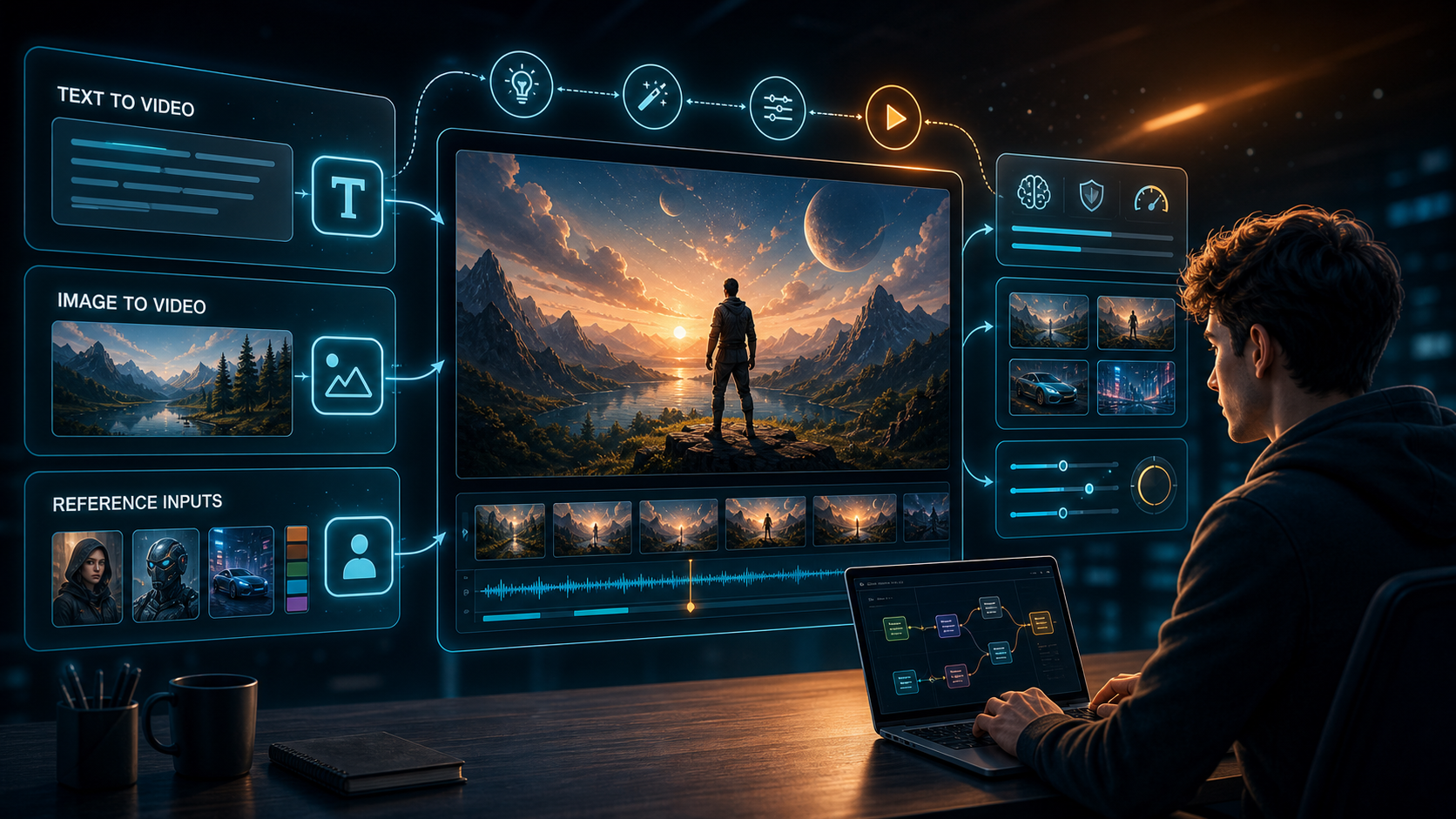
How to Use Kling AI in 2026: First Video Workflow from Sign-In to Download
A step-by-step guide to using Kling AI for the first time — how to sign in, choose between T2V and I2V, write prompts, set duration and aspect ratio, submit generations, preview results, download your first video, and fix weak output.

Kling 3.0 vs Veo 3.1: Which AI Video Generator Wins in 2026?
A head-to-head comparison of Kling 3.0 and Google Veo 3.1: video quality, native audio, motion physics, multi-shot, pricing, and which tool fits your specific workflow.

Kling 3 Lite Guide: Free Trial Limits, Credits, and When to Upgrade
See how Kling 3 Lite works on kling3.pro. Learn the free trial limits, guest and sign-up credits, the 5s 480p cap, and the cheapest path to Kling 3.0.
Newsletter
Join the community
Subscribe to our newsletter for the latest news and updates