Kling 3.0 Explained: Super Smart AI That Makes Movies & Pictures (Easy Version for Everyone)
A friendly, detailed guide to Kling 3.0 — what it is, how the unified multimodal brain works, what makes it special, and how it compares to Runway Gen‑3.

Hey! Want to make a short movie or awesome pictures just by typing words? Kling 3.0 is a really powerful AI tool from a Chinese company called Kuaishou. It officially started its “3.0 Era” on January 31, 2026, and on February 4, 2026 they let some people start trying it early. It’s like having a super-talented movie director living inside your computer — but the director is AI!
This article explains everything about Kling 3.0 in a simple way (like talking to a middle-school student), but also includes lots of real details so you understand exactly how it works and why it’s so special. We’ll cover what’s inside it, how it’s built, what it can do, and how it compares to Runway Gen-3 (another popular AI video tool).
What Makes Kling 3.0 So Different? (The Big Idea)

Older AI tools were like having many separate toy boxes: one for pictures, one for moving pictures, one for sound, one for editing. You had to move pieces between boxes, and sometimes things didn't match or looked strange.
Kling 3.0 throws all those separate boxes away. Instead it uses one giant smart brain that understands words, pictures, video clips, sound and instructions all at the same time. This is called a unified multimodal training framework.
“Multimodal” just means it can work with many kinds of information together (text + images + video + audio). Because everything happens in one brain, the pictures, movements, sounds and story all match perfectly — no weird gaps or broken parts!
How Does the Brain Actually Work? (Step-by-Step – Simple Version)
Step 1: It thinks like a real director first

When you type "A girl runs through a magical forest at sunset and says 'I'm free!'", the AI doesn't just draw one picture.
It thinks carefully about:
- Where should the camera be?
- How does sunset light look?
- What should her face show when she speaks?
This thinking part is called Visual Chain-of-Thought (a chain of smart thoughts before drawing). It breaks your words into pieces: space, time, feeling, lighting — everything!
Step 2: Builds everything together at once
The AI creates:
- the picture
- the movement
- the sound
- the mouth moving to match words (lip-sync)
…all in one single step!
That’s why when someone talks, their mouth really matches the words. Hair blows naturally, clothes move correctly, water splashes right — nothing feels added later.
Step 3: Remembers characters perfectly
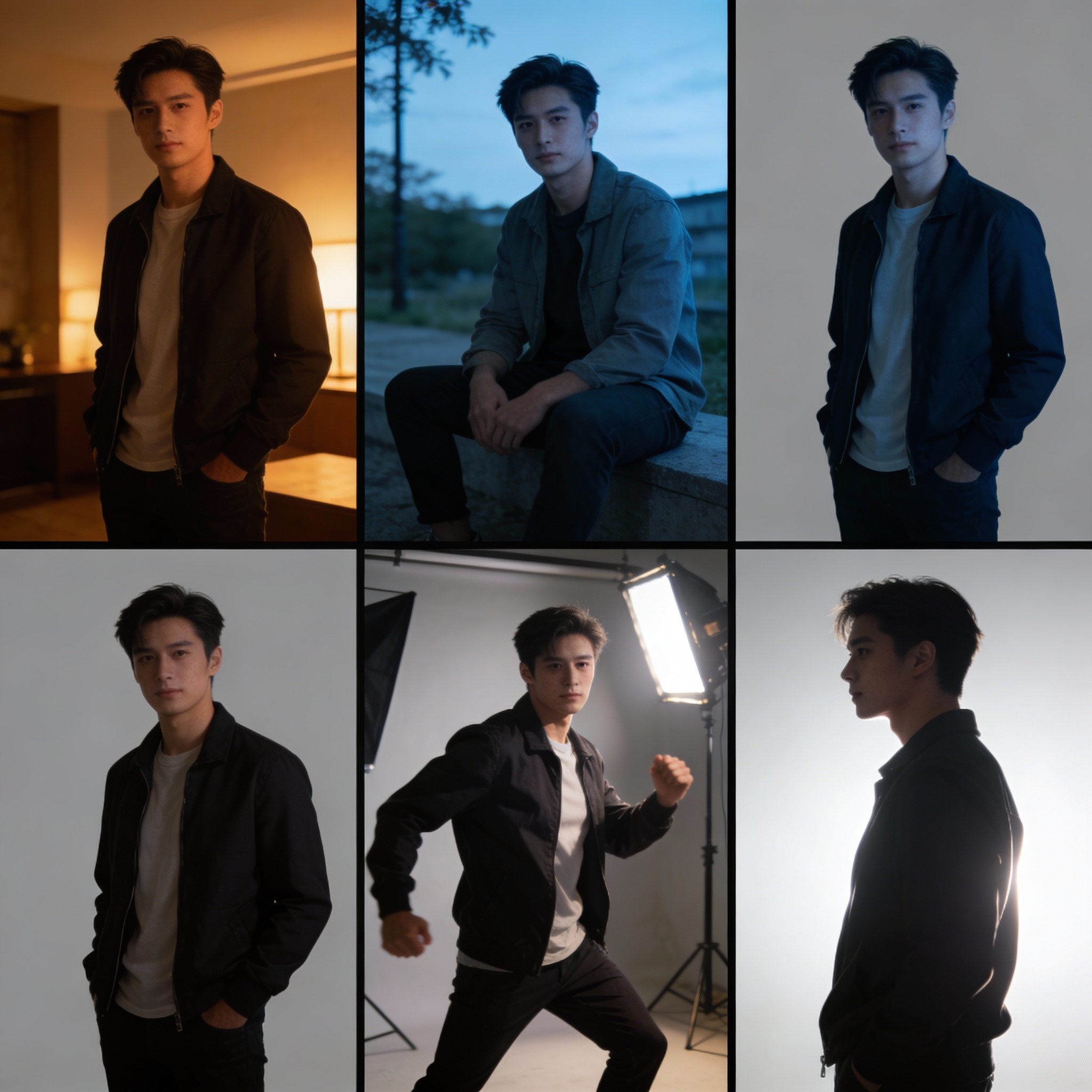
You can upload a short video (3–8 seconds) of a person or several photos.
The AI saves their face, clothes, voice and way of moving like a “character memory card”.
This is called Elements 3.0 or Subject Consistency 3.0.
So even if the girl runs, turns, talks in different shots, or appears in different light — she still looks exactly like the same person. Almost no “face suddenly changed” problems!
Step 4: Acts like a real movie director
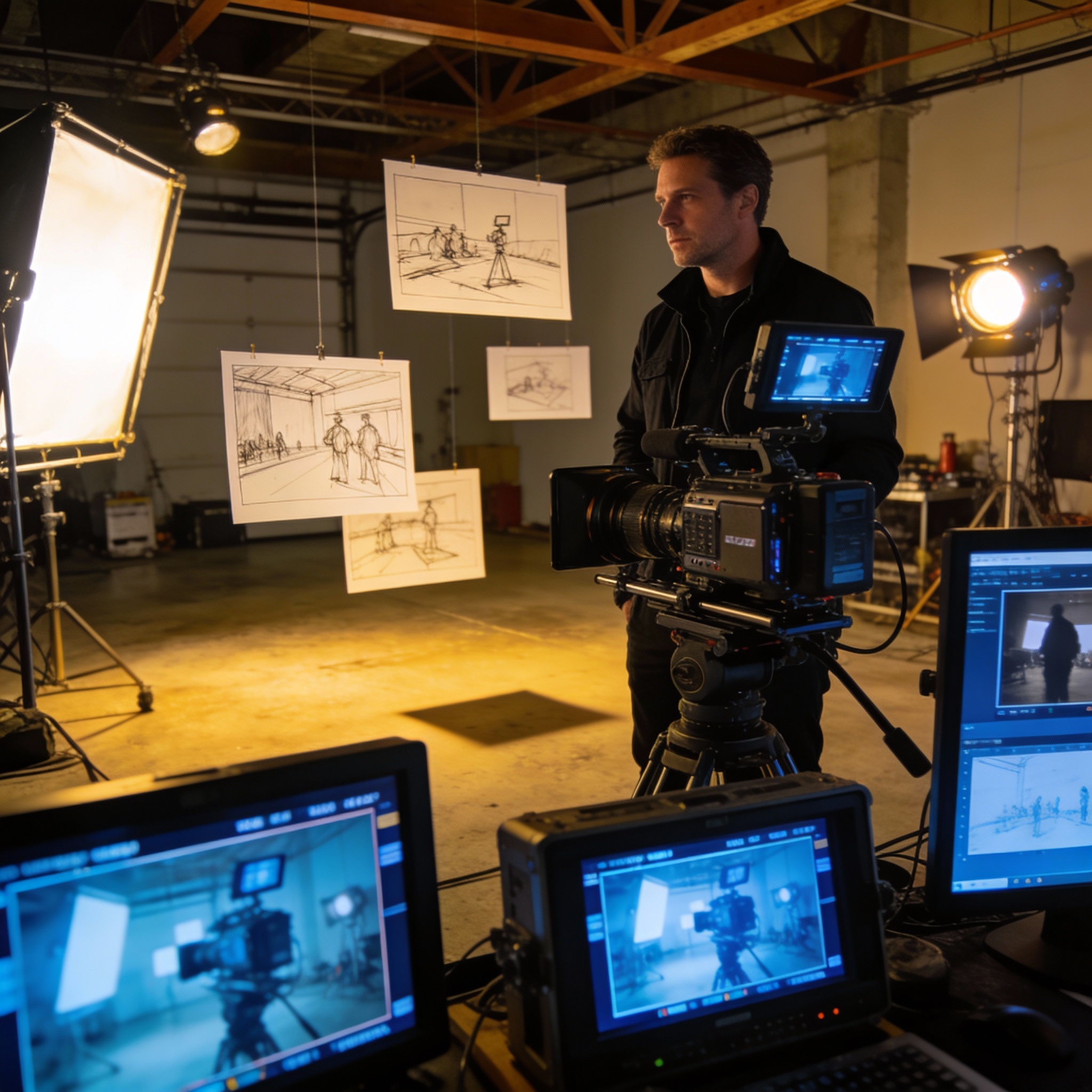
Kling has an AI Director inside.
You describe a story with different scenes:
“Scene 1: wide shot of forest. Scene 2: close-up on her happy face. Scene 3: she looks back while running.”
The AI automatically chooses:
- camera angles (close-up, medium, wide, over-the-shoulder)
- how long each part lasts
- smooth changes between shots
This is called multi-shot storytelling — videos feel like they were really directed!
Extra Cool Things Kling 3.0 Can Do
- Videos: 3 to 15 seconds long — long enough for a real little story without cutting pieces together.
- Sound: Makes people talking, singing, background music, wind, footsteps — all at once. Understands many languages (Chinese, English, Japanese, Korean, Spanish) and even accents (like Sichuan dialect or Cantonese).
- Pictures: Super sharp — comes out in 2K or 4K quality, looks like real movie photos (no blurry upscaling needed).
- Physics: Looks very real — water splashes correctly, clothes move naturally, people don’t float or slide weirdly.
- Text on screen: Logos, subtitles, signs look perfect and clear.
- Story pictures: Can make a series of connected pictures (like 6-frame storyboard) that tell a story and keep the same style and characters.
Kling 3.0 vs Runway Gen-3: Friendly Comparison
Runway Gen-3 (and its faster versions) is another very good AI video tool. It came out earlier and many creative people love it. Here’s how they compare:
| Thing to Compare | Kling 3.0 (2026) | Runway Gen-3 (and updates) | Who Wins & Why? (Simple) |
|---|---|---|---|
| Video length | 3–15 seconds in one go | Usually 5–10 seconds | Kling – longer stories without cutting |
| Multi-shot / AI Director | Built-in AI Director plans shots and camera moves automatically | Good camera controls, but you plan more yourself | Kling – feels more like talking to a director |
| Sound & Talking | Makes sound + lip-sync together from the start. Very natural | Lip-sync good, but often needs extra steps | Kling – easier for talking scenes |
| Characters stay the same | Super strong (upload video/photos → almost perfect) | Very good, but can lose details sometimes | Kling has a small edge |
| Realistic physics | Excellent (water, clothes, fights, gravity) | Good, but sometimes tiny details less natural | Kling – wins most tests |
| Picture quality | Super sharp 2K/4K, very movie-real | Very sharp, great for artistic styles | Kling for real photos, Runway for art looks |
| Speed | Takes longer (sometimes wait), but more “finished” | Much faster, good for quick tries | Runway – quicker experiments |
| Best for | Realistic stories, talking people, mini-movies | Artistic videos, fast testing, pro editing | Depends on what you want! |
Quick summary
- Want super realistic videos with natural talking and movie-like shots? → Kling 3.0 is usually better in 2026.
- Want to try ideas super fast or make dreamy artistic videos? → Runway Gen-3 is still fantastic.
Kling 3.0 feels like a big jump forward because it puts everything (pictures + movement + sound + story direction) into one super-smart brain. That’s why people call it a “game-changer” for making videos that really feel like real films!
Where Can You Try It Right Now?
- klingai.com or kling3.pro — special members (Ultra/Black Gold) can use it on the website already (started February 4, 2026).
- Higgsfield AI — lets you make lots of videos right now (unlimited for some plans).
- Other places like Atlas Cloud, Dzine also have it or will soon.
Full version for everyone is “coming soon”!
What do you think? Would you use Kling 3.0 to make a funny story, a cool advertisement, something spooky, or maybe your own mini-movie? 😄 Tell me!
More Posts
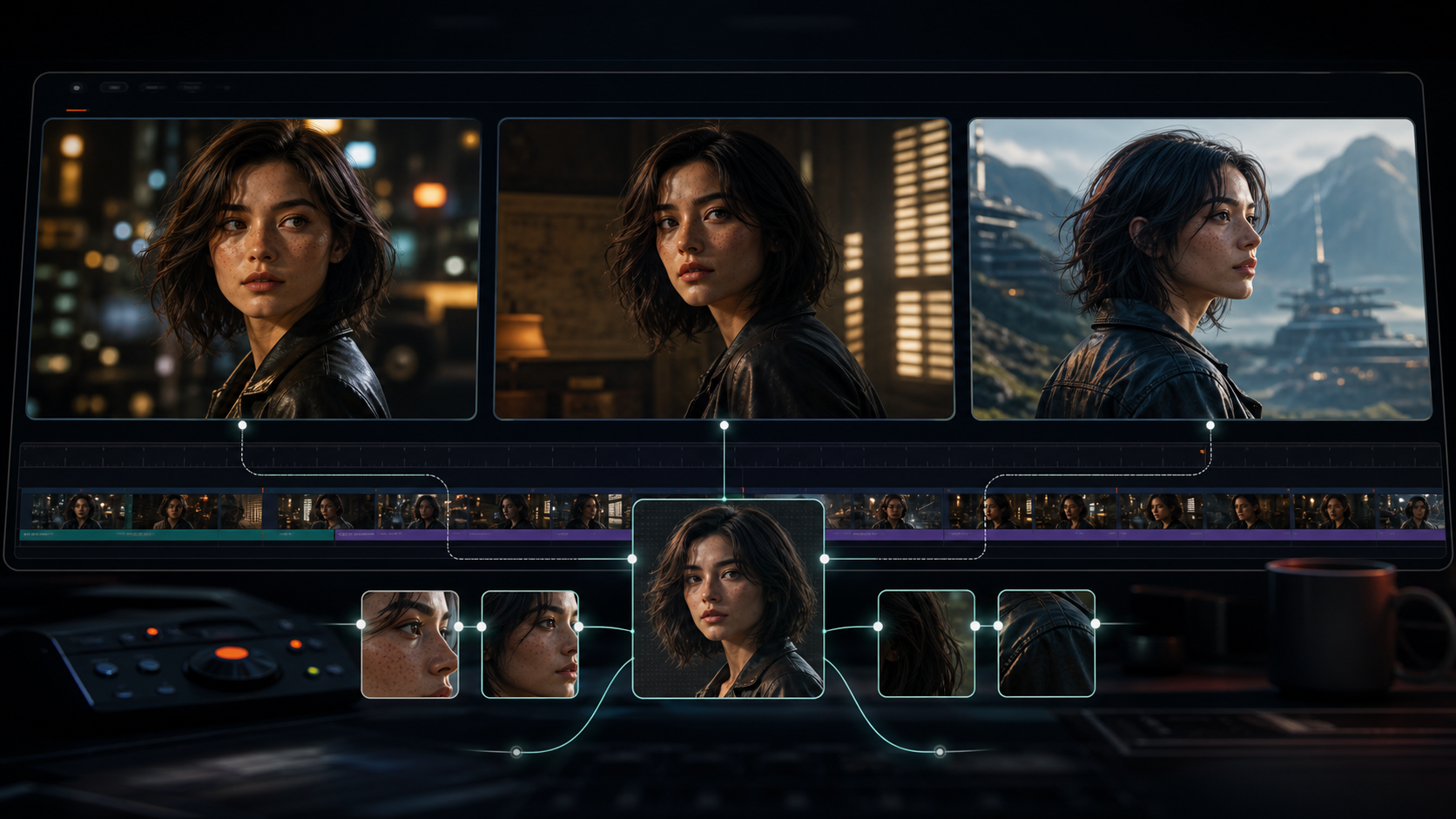
Kling 3.0 Character Consistency: Complete Guide to Keeping Characters the Same Across Shots
Complete guide to Kling 3.0 character consistency — reference-driven character binding in O3, reference image best practices, multi-shot workflow, and fixes for common character drift.

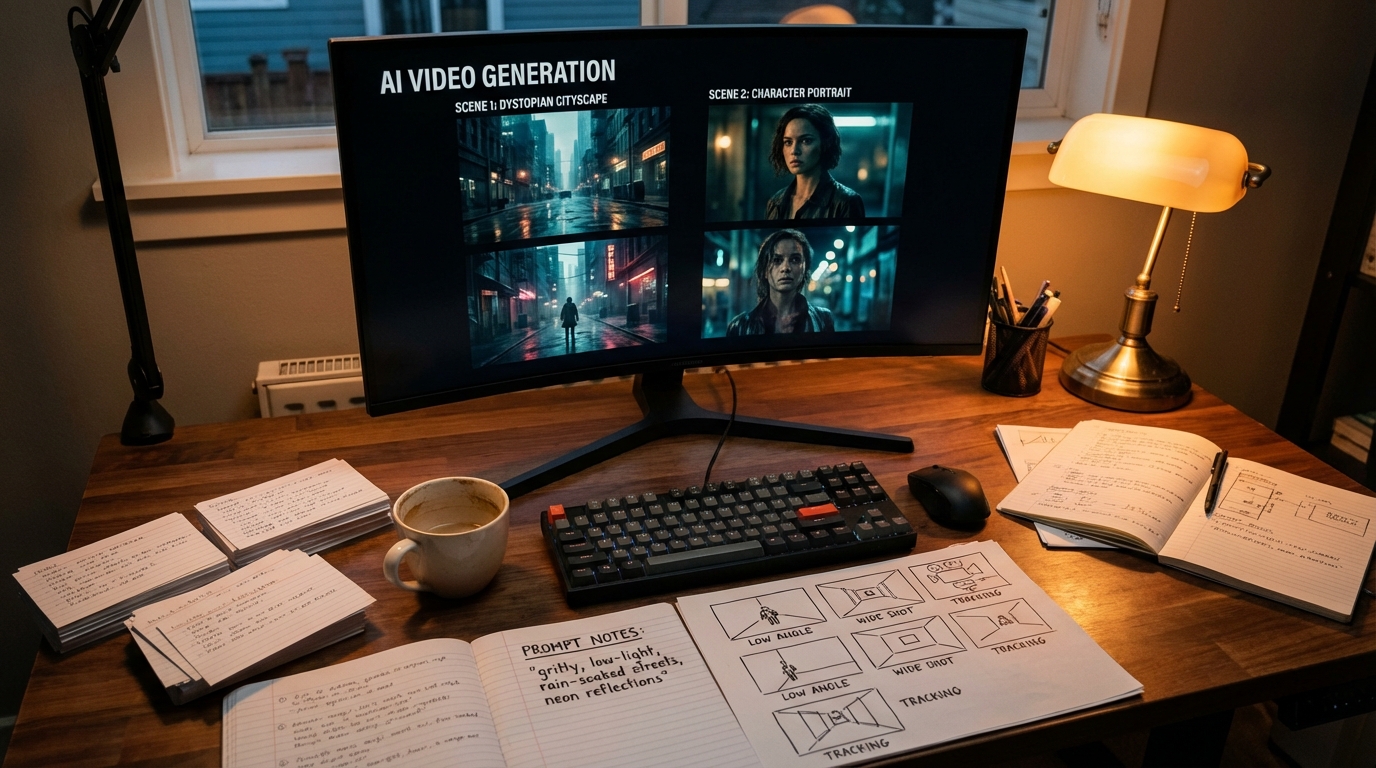
Kling 3.0 Prompt Guide: Get Cinematic Results Every Time
How to write prompts for Kling 3.0 — covering T2V, I2V, multi-shot structure, cinematography language, and the mistakes that tank output quality. With real community-tested examples.
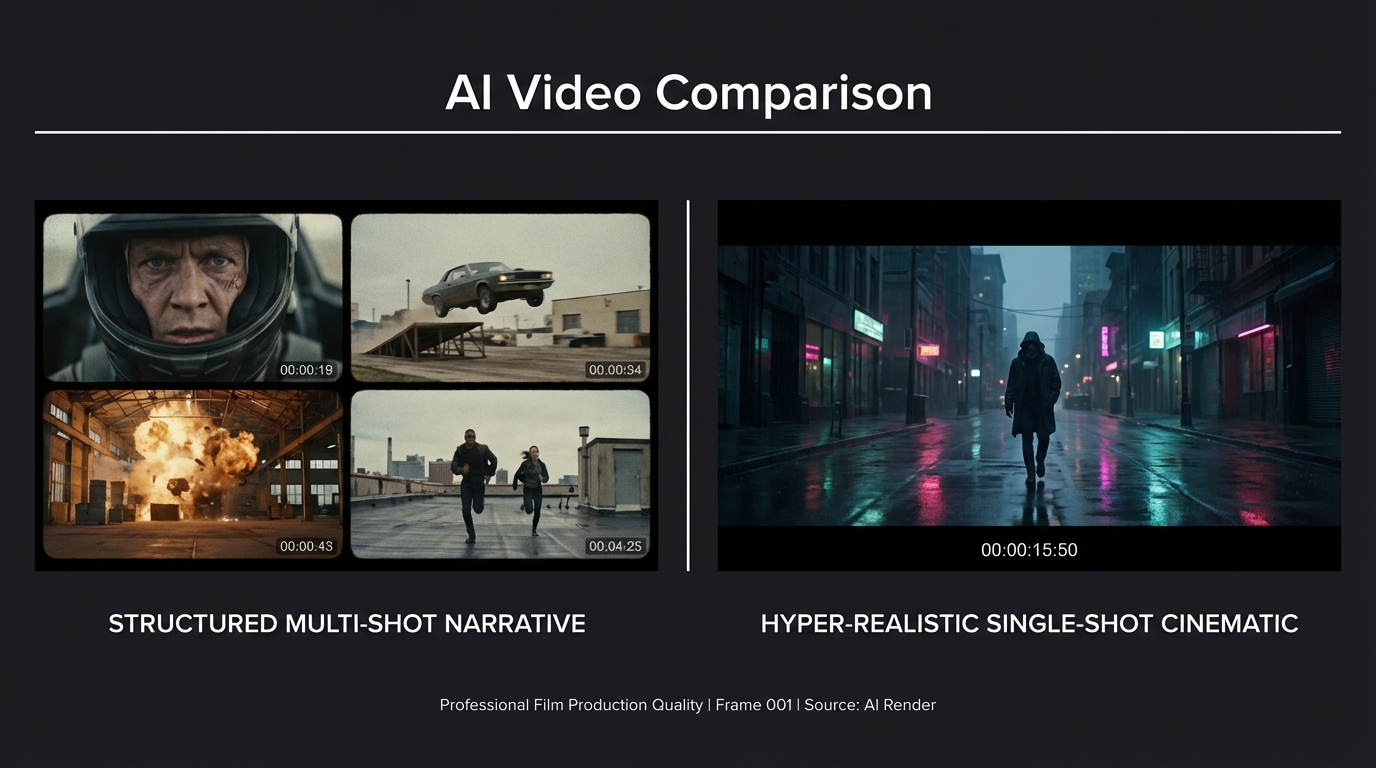
Kling 3.0 vs Seedance 2.0: Which AI Video Model Wins in 2026?
A direct comparison of Kling 3.0 and Seedance 2.0 across video quality, multi-shot control, character consistency, audio, pricing, and use cases — with real community test results.
Newsletter
Join the community
Subscribe to our newsletter for the latest news and updates