Does Kling AI Have an App? iPhone, Android, Mobile Web, and Safe Download Paths
Does Kling AI have a mobile app? Yes — official apps for iPhone and Android exist, but the download landscape is full of fake pages and out-of-date APK sites. This guide covers app vs mobile web tradeoffs, how to spot the real app, and what to do when the mobile web version is enough.
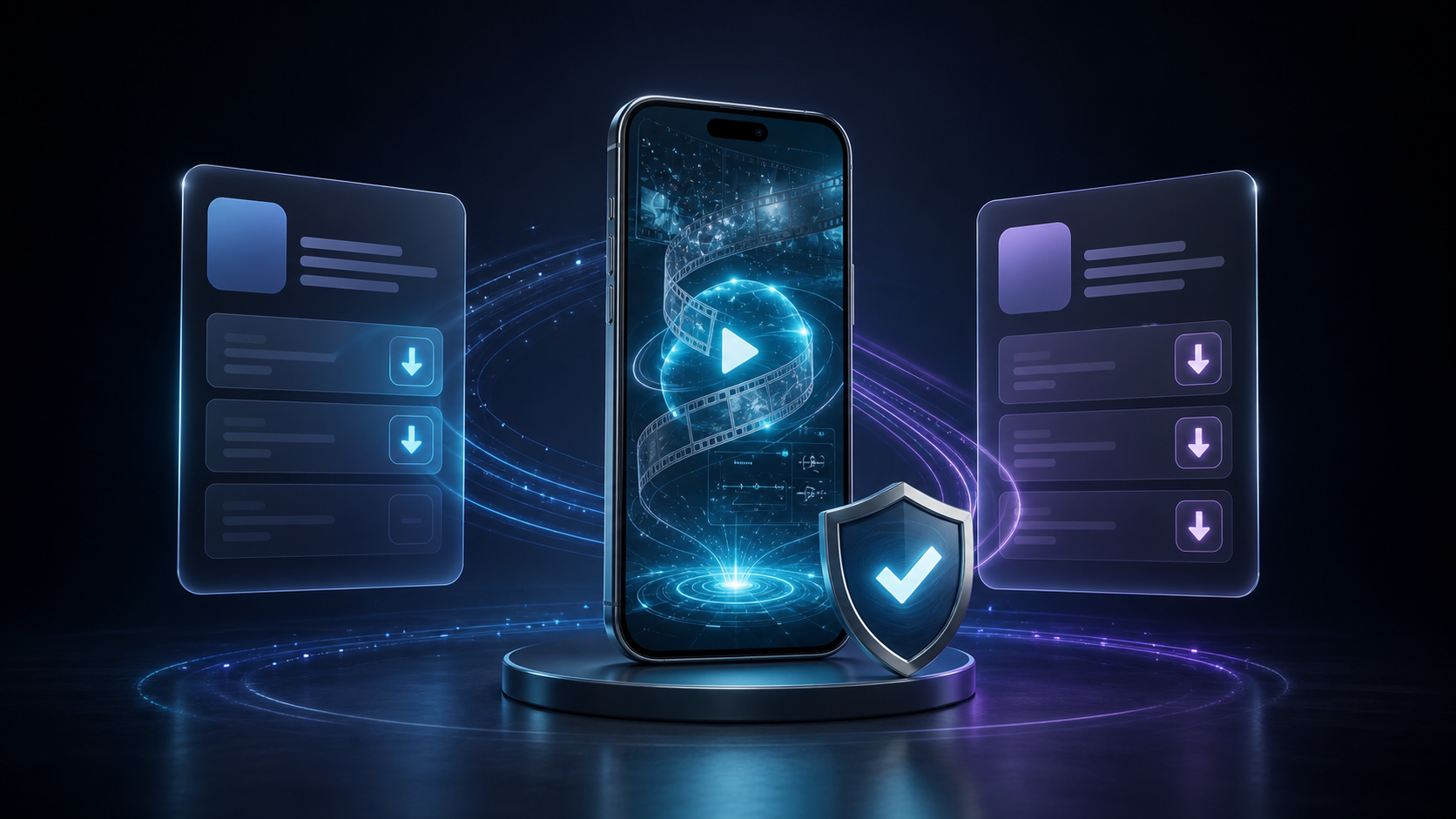
You search "Kling AI app" in the App Store and three results show up. One has the official logo, one has a similar name but different icon, and the third looks like a generic video editor with "Kling" in the description. You look at the reviews — some say it works, some say it is a scam.
This is the current state of Kling AI's mobile presence. There is an official app, but finding it requires knowing exactly what to look for — and installing the wrong one can mean entering your credentials into a page designed to harvest them.
I have been tracking Kling AI's mobile availability since early 2026, including periodic checks of the App Store, Google Play, and third-party APK sites to monitor for impersonation attempts. The fake-app landscape has accelerated significantly since March 2026, when Kling AI's popularity crossed a threshold that made it a target for credential harvesters.
This guide covers three paths to access Kling AI on mobile: the official iOS app, the official Android app, and the mobile web interface. Each has a different trade-off between convenience and features.
Does Kling AI Have an Official App?
Yes. Kling AI has official mobile apps for both iOS and Android as of mid-2026.
| Platform | App Name | Developer | Status |
|---|---|---|---|
| iOS | Kling AI — AI Image & Video Maker | Beijing Kuaishou Technology | Official, actively maintained |
| Android | Kling AI — AI Image & Video Maker | Beijing Kuaishou Technology | Official, actively maintained |
Both apps are developed by Beijing Kuaishou Technology, the same company behind the Kling AI web platform. The app versions include the same core features as the web version — text-to-video, image-to-video, motion brush, and character consistency — but some advanced tools (API access, custom LoRA training) are restricted to the web interface.
iOS: How to Find the Real App
The official Kling AI iOS app is available on the App Store. Searching "Kling AI" returns several results because the App Store indexes apps by keyword relevance, and multiple apps include "AI" and "video" in their names.
How to Identify the Official App
| Signal | Official App | Fake / Unofficial |
|---|---|---|
| Developer name | Beijing Kuaishou Technology | Generic names or unknown developers |
| App icon | Purple gradient with white "K" logo | Different icon, often blue or green |
| Ratings | 20,000+ ratings (4.5+ stars) | Few ratings or generic positive reviews |
| Price | Free (with in-app purchases) | Free with suspicious permission requests |
| Release date | Matches Kling AI web launch timeline | Recent uploads piggybacking on brand search |
The safest path is to use this direct App Store link instead of searching manually. Bookmark it after installing.
iPhone Requirements
- iOS version: 15.0 or later
- Storage: ~150 MB for the app, additional space for generated videos
- Account: Kling AI account or sign-in via Apple / Google
The iOS app is straightforward if you use the direct link. Android requires an extra verification step because the Google Play listing can be harder to distinguish from clones. The same identification rules apply to both platforms.
Android: How to Find the Real App
The official Kling AI Android app is available on Google Play. The identification signals are the same as iOS — developer name, icon, rating count.
How to Identify the Official App
| Signal | Official App | Fake / Unofficial |
|---|---|---|
| Developer | Beijing Kuaishou Technology | Unknown or mismatched developers |
| Downloads | 5M+ installs | Low install counts |
| Package name | kling.ai.ai_image_video_maker (or similar) | Varies — check the developer field instead |
| Google Play Protect | ✅ Passes verified | May trigger warnings |
Direct Google Play link is the safest download path.
Android Requirements
- Android version: 8.0 or later
- Storage: ~180 MB for the app
- Account: Kling AI account or sign-in via Google
If you are still unsure whether the app is worth installing, the feature comparison below makes the trade-off visible. The key question is not "does the app have more features" — it is "does your workflow require background generation."
What the App Can and Cannot Do
The mobile app and the web version share the same core generation engine, but the feature sets are not identical.
| Feature | Mobile App | Mobile Web | Desktop Web |
|---|---|---|---|
| Text-to-video generation | ✅ | ✅ | ✅ |
| Image-to-video generation | ✅ | ✅ | ✅ |
| Motion brush | ✅ | ✅ | ✅ |
| Character consistency | ✅ | ✅ | ✅ |
| Video download | ✅ | ✅ | ✅ |
| Prompt templates | ✅ | ✅ | ✅ |
| Credit purchase | ✅ | ✅ | ✅ |
| API access | ❌ | ❌ | ✅ |
| Custom LoRA training | ❌ | ❌ | ✅ |
| Batch generation | ❌ | ⚠️ Limited | ✅ |
| Background generation | ✅ | ❌ (tab must stay open) | ❌ (tab must stay open) |
The mobile app's main advantage over mobile web is background generation. On the mobile web version, the generation stops as soon as you switch tabs or lock your phone. The native app continues generating even when minimized, which means you can start a video generation and check back later instead of watching a progress bar for 2–5 minutes.
Rule of Thumb — the 3-generation test: If you produce more than 3 videos per day on your phone, the native app saves roughly 15 minutes of waiting per day compared to mobile web, because you do not have to keep the tab open. At 3 videos per day, the app pays back its 2-minute install time on the first day.
The feature comparison makes one thing clear: the app and the web version share the same generation quality. The difference is convenience, not capability.
Mobile Web: When the App Is Not Needed
If you do not want to install a native app, Kling AI's web interface works on mobile browsers. Open https://kling.ai in Safari, Chrome, or Firefox on your phone.
Mobile Web Limitations
- No background generation — switching tabs or locking the phone pauses generation
- Slower upload — mobile browsers compress or reject large video files (above ~500 MB)
- No push notifications — you must watch the generation progress bar
- Account sessions expire faster — browser cookies expire more frequently than native app tokens
When Mobile Web Is Good Enough
- Quick text-to-video generation (1–2 clips)
- Testing prompts before committing to a longer workflow
- Users who have not installed the app yet and want to try the platform
When the App Is Worth Installing
- Regular generation sessions (3+ per day)
- Users who generate videos longer than 15 seconds (requires waiting 3–5 minutes per generation)
- Anyone who wants push notifications when a generation completes
- Users who upload large reference videos (above 200 MB)
Common Mobile Access Problems
"I searched the App Store and found multiple apps with similar names."
This is the most common problem. Multiple developers have submitted apps with names that include "Kling" or "AI Video" keywords. The official app is published by Beijing Kuaishou Technology. Everything else is third-party software that may use the Kling AI branding without authorization.
How to verify: After installing, open the app and check the settings page for a "Terms of Service" link. The official app's terms will reference Beijing Kuaishou Technology or Kuaishou. If the terms reference a different company, you installed the wrong app.
"The app is not available in my country."
Kling AI's app availability varies by region. Users in some countries may not see the app in their local App Store or Google Play. In this case, the mobile web version (https://kling.ai) is the best alternative. It includes all the same generation features, with the limitation that you cannot run generations in the background.
"I downloaded an APK from a third-party site. Is it safe?"
Do not install Kling AI from APK mirror sites, APK downloaders, or any page that offers a ".apk" file outside Google Play. Unofficial APK files are the most common vector for credential theft targeting Kling AI users.
Here is how these fake apps work: they present a login screen that looks identical to the real Kling AI interface. When you enter your email and password, the app sends your credentials to a remote server, displays a fake "generation error" message, and prompts you to try again — giving the attacker a second chance to capture your password if you mistyped it the first time. Some also request SMS permissions to intercept two-factor authentication codes.
The official Android app is only distributed through Google Play. If Google Play says the app is not compatible with your device, that means it is not compatible — not that a third-party APK will work.
FAQ
Is there a Kling AI app for iPhone?
Yes. The official app is "Kling AI — AI Image & Video Maker" by Beijing Kuaishou Technology, available on the App Store.
Is there a Kling AI app for Android?
Yes. The official app is available on Google Play with the same name and developer.
Is the Kling AI app free?
The app itself is free to download. Video generation costs credits, which can be purchased through in-app purchases. New accounts receive a small credit balance to start.
Can I use Kling AI on mobile without installing anything?
Yes. Open https://kling.ai in any mobile browser. The mobile web version includes text-to-video, image-to-video, and motion brush features, but does not support background generation.
Does the Kling AI app have the same features as the website?
Most features are identical, but API access, custom LoRA training, and batch generation are desktop-web-only. The app's advantage is background generation on iOS and Android.
How do I know I downloaded the right app?
Check the developer name in the App Store or Google Play listing. It must be Beijing Kuaishou Technology. If it says anything else, you have the wrong app.
Can I use the same account on the app and the web?
Yes. Kling AI accounts work across both platforms. Your credit balance, generation history, and saved prompts sync automatically.
The safest way to install Kling AI on mobile is to use the direct App Store or Google Play links rather than searching manually. If your device is not compatible or the app is not available in your region, the mobile web version at https://kling.ai covers all core generation features — the main trade-off is that you cannot switch apps or lock your phone while generating.
If you are still unsure which path fits your workflow, the answer is simple: open the web version on your phone, generate one clip, and check whether the 2–5 minute wait bothers you. If it does, install the app. If you are comfortable waiting, the web version covers everything else.
Bookmark the direct App Store link even if you stay on mobile web. If your generation workflow changes next month, you will know exactly where the real app is.
Author
Categories
More Posts

HappyHorse 1.0 Is Live: What It Means for Kling 3.0 Creators
HappyHorse 1.0 has reached the top of the Artificial Analysis video leaderboards. Here is what Kling 3.0 creators should watch, what is verified, and where Kling still fits.
How to Use Kling AI in 2026: First Video Workflow from Sign-In to Download
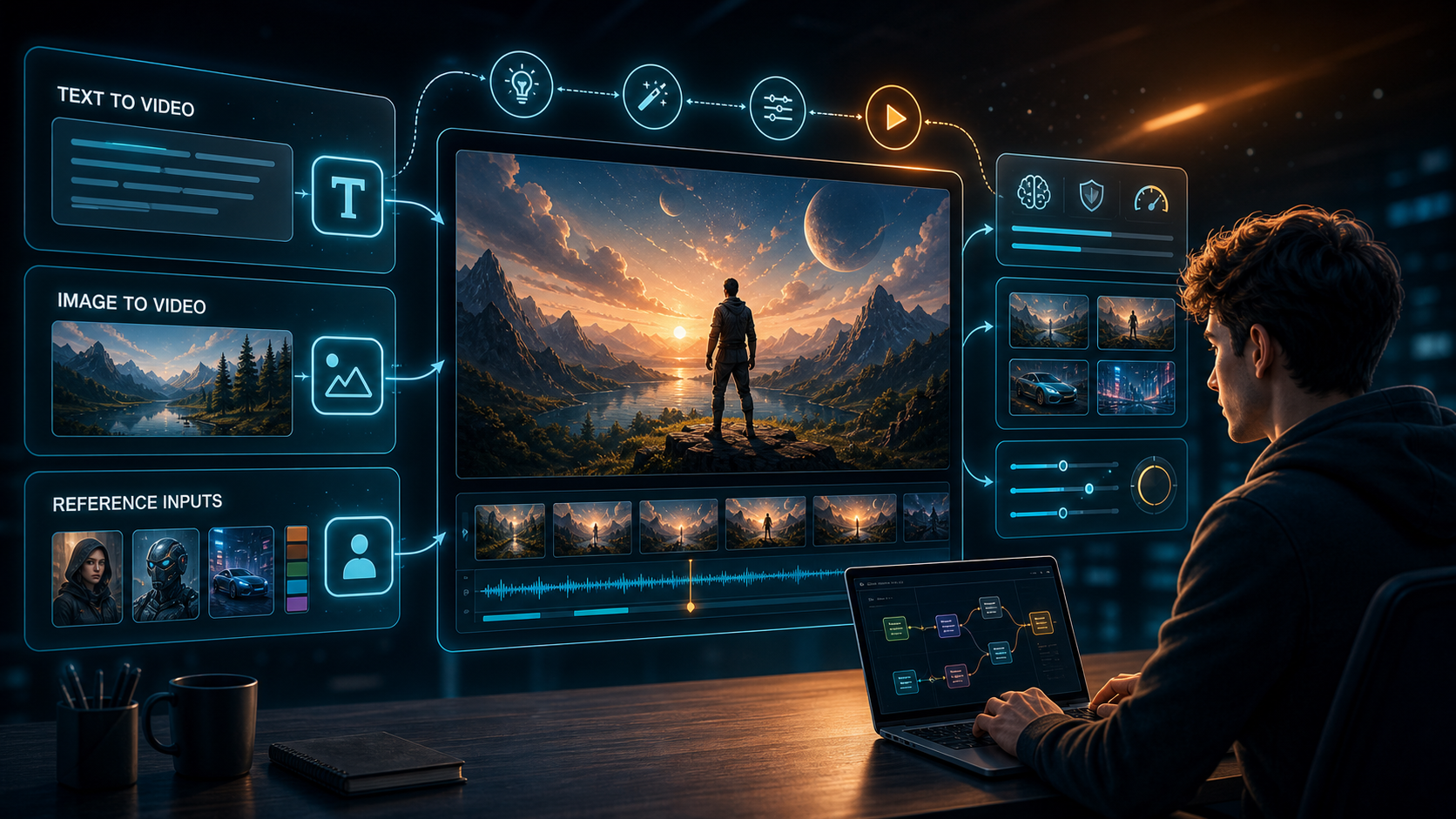
A step-by-step guide to using Kling AI for the first time — how to sign in, choose between T2V and I2V, write prompts, set duration and aspect ratio, submit generations, preview results, download your first video, and fix weak output.
Kling 3.0 vs Seedance 2.0: Which AI Video Model Wins in 2026?
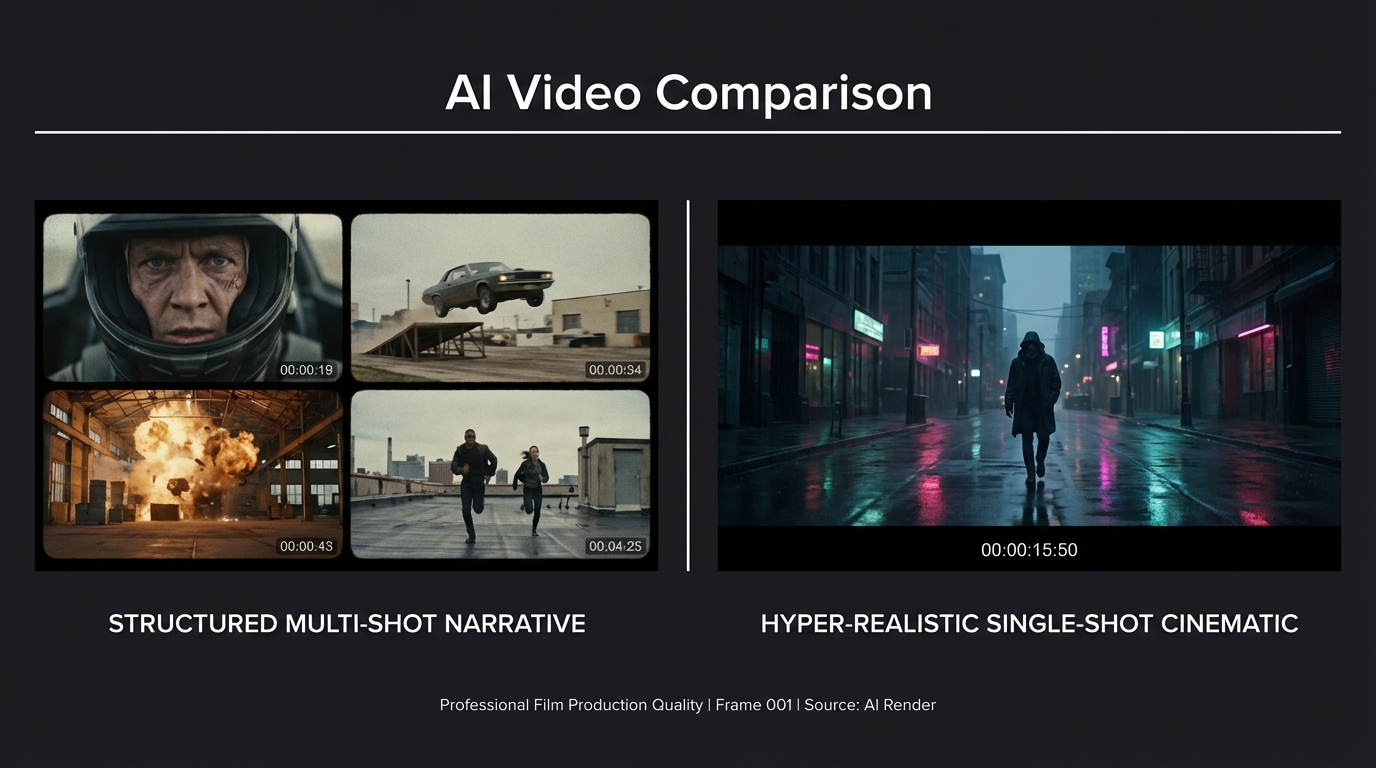
A direct comparison of Kling 3.0 and Seedance 2.0 across video quality, multi-shot control, character consistency, audio, pricing, and use cases — with real community test results.
Newsletter
Join the community
Subscribe to our newsletter for the latest news and updates